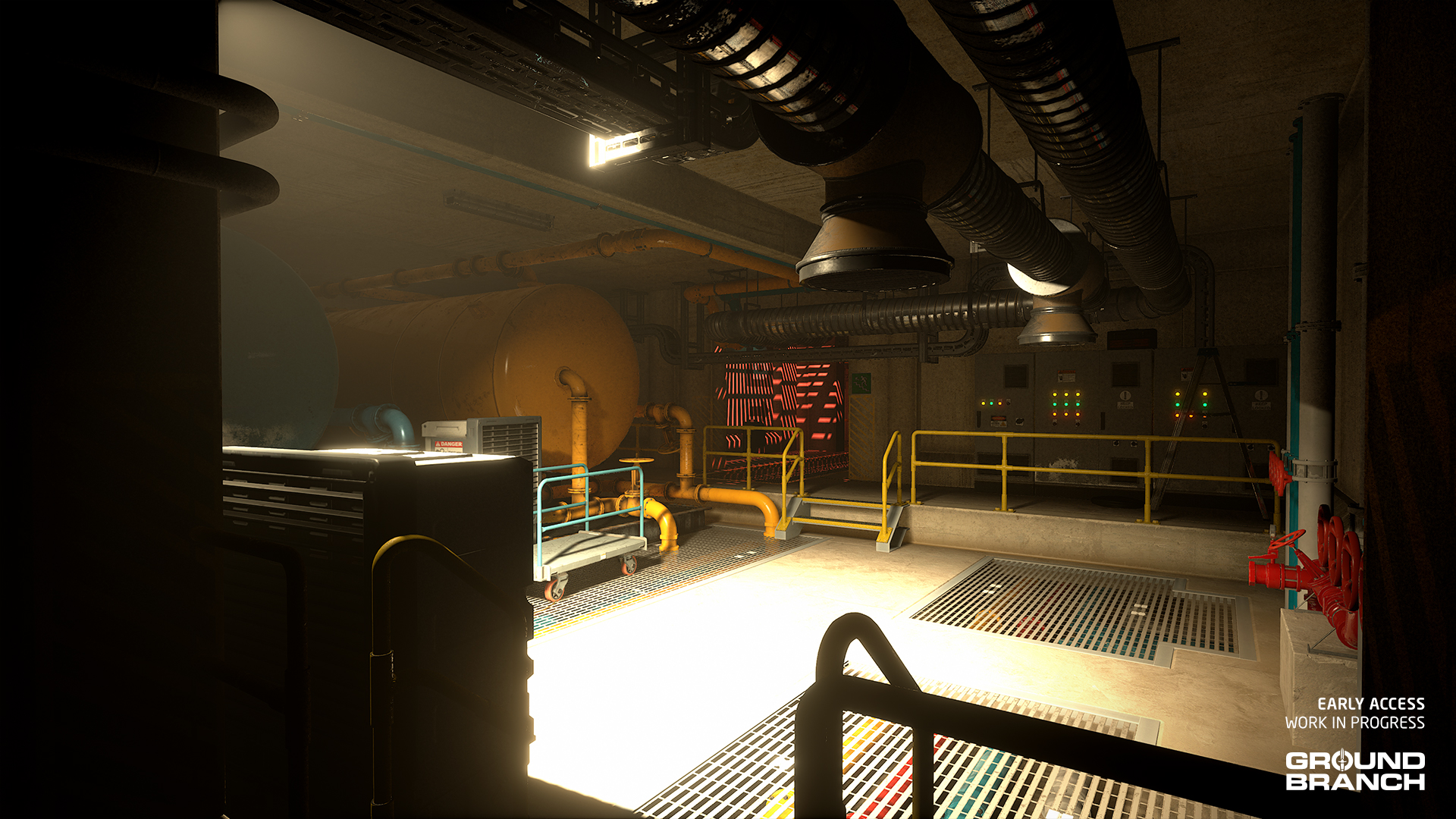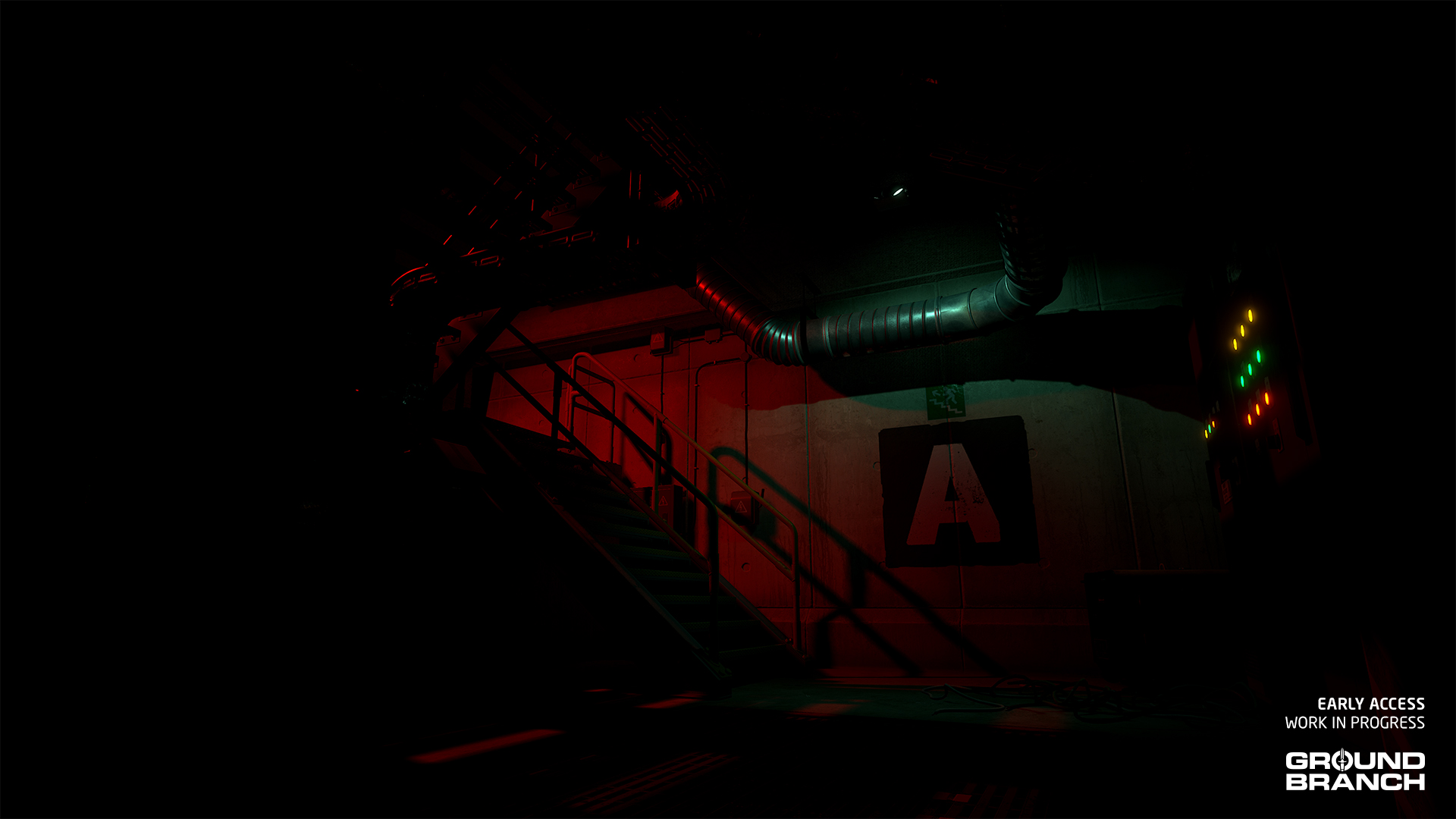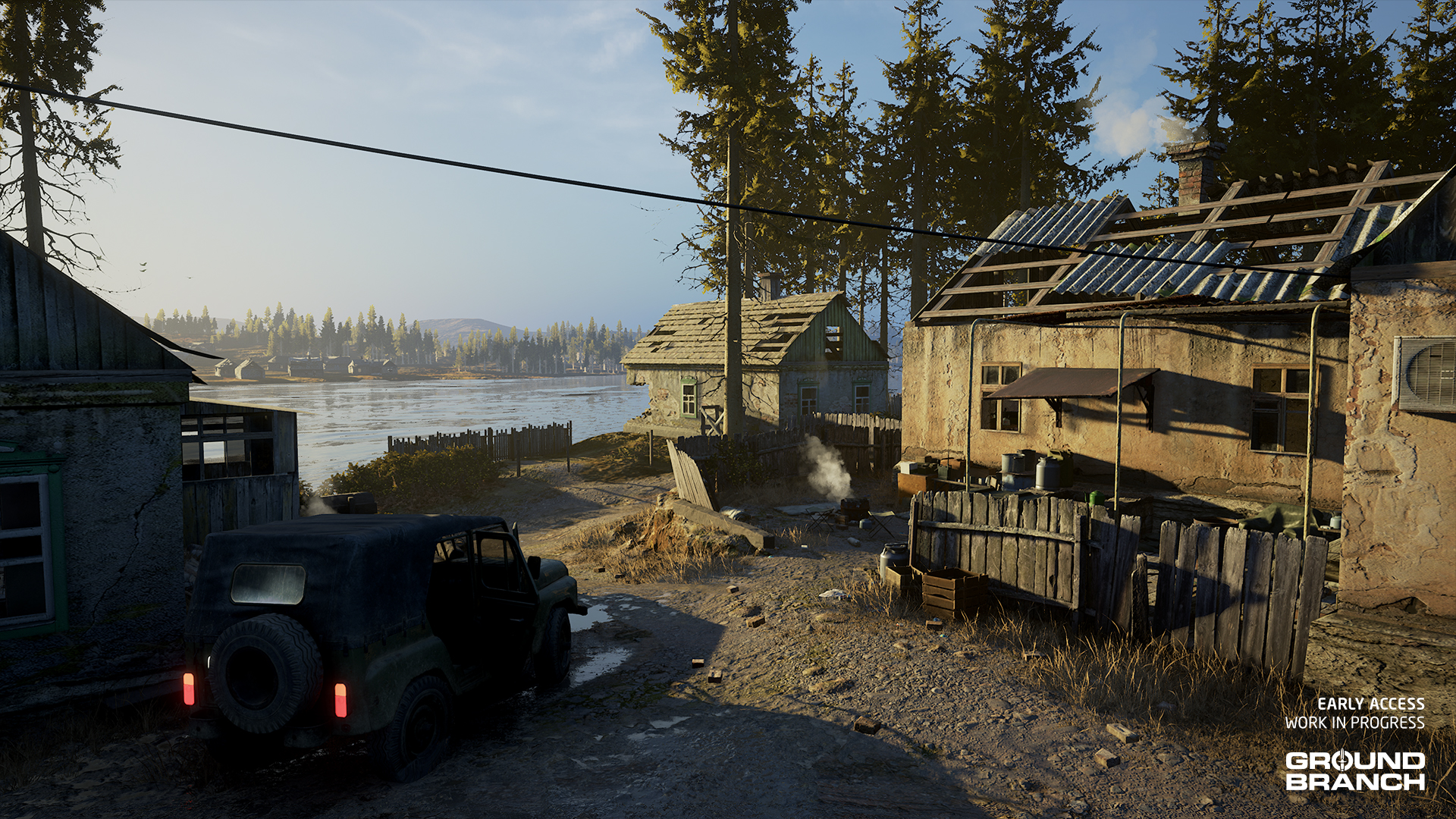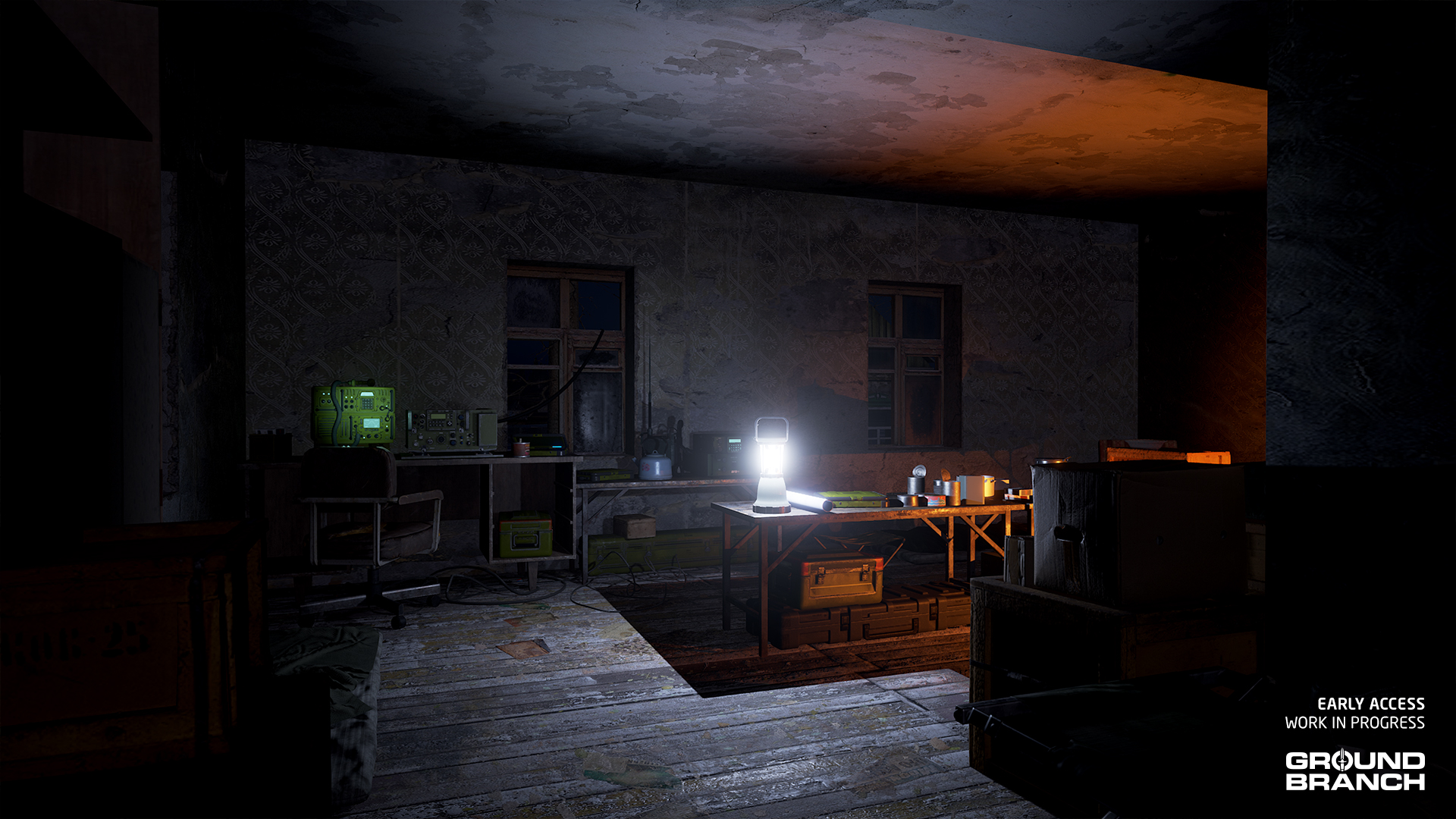
Intel Report

Intel Report #025: Road to V1035 (January 2025)

Hey there! We hope 2025 has been treating you well so far!

Over here on the GROUND BRANCH team, we’ve been hard at work pushing towards the official release of update V1035.

As usual, we would like to thank you — our amazing community — for your patience and support while we get on with this. There are still a few gremlins stalking our code base, and a few things that turned out to be incredibly… not straightforward when we got around to implementing them, but we are working as hard as we can to get things fixed. This has taken longer than any of us would have liked but, on the plus side, it also gives us a chance to continue to stuff cool new things into V1035.

We look forward to share the update with you when it’s ready. Don’t worry — you’ll definitely be invited to join the fun before that happens, once it’s ready for public testing. In the meantime, we’ve put together a fresh batch of previews and deep dives to keep you entertained and in the loop.

đź’ˇ If you missed our Intel Report #024 for November, go read it!
đź’ˇ Keep in mind this report is not an exhaustive list of V1035 features. For an overview of expected changes and additions, refer to our roadmap.

Updated customization UI

One notable update we’ve worked on over the last couple of months is the operator customization, with a special focus on the Customize Item screen layout.

Whereas in V1034 and earlier we had the rather unwieldy nested categories, the new layout looks something like this:


As you can see, attachments are now displayed in a larger size and organized into category checkboxes that are always in view. Multiple categories can be checked with a right-click, in case you’d like to (for example) see all sight options. There’s also a search bar, which will be especially useful for the Steam Workshop fans out there who like to stock up on mods.

đź’ˇ This new layout integrates with the new tag system (briefly mentioned in our last dev blog), wherein items can fit into multiple UI categories. This applies particularly to main items, as shown in the Primary Weapon selection. Note that the "Suppressed" category, which groups weapons that are integrally suppressed, includes weapons from various other categories. Similarly, some weapons fit both the "Precision Rifle" and "Battle Rifle" category, and so on.

When customizing weapons, attachments are laid horizontally in the bottom of the screen in up to 2 rows of 8 attachments each. That is so longer weapons can take up more of the screen without being as obscured by menus. However, when customizing headgear, platforms, and belts — which tend to be taller or do not require as much horizontal space — attachments are laid vertically in the right corner of the screen.

Vest platform and belt customization will now also display your loadout summary in the bottom-left, reducing guesswork and back-and-forth. (Please note that there’s a little bug in the video wherein the loadout summary displays the name of the pouches rather than their content!)

One very welcome change for weapon attachments is that sights have finally been broken down into multiple categories, reducing clutter and making everyone’s life much easier:

  • Iron Sights (non-optical sights)
  • Red Dot (reflex and holographic 1x optics)
  • Scopes (magnified optics)
  • Accessory (magnifiers, image intensifiers and whatever else may fit in the future)

Attachments will also finally support skin selection, removing the need for duplicate items with different skins — such as “Suppressor (Black)” and “Suppressor (FDE)” — being listed as separate items. As the video shows, we stuck a few new FDE skins in there for you. Lastly, you may have noticed a little more of an atmosphere going on, thanks to some lighting tweaks and the addition of some particle effects.

💡 One major element still missing from the customization UI is detailed information about each item — some kind of infobox so players don't have to guess what every item is and does. Rest assured that will be coming in due time!
đź’ˇ An update to the click-and-drag mechanic is not planned for this update due to other priorities, but we're aware it needs a revision too.

Everything is subject to change (and your feedback), but it already feels much easier to use and navigate.

AI patrols

This month, programmer and frequent dev blog contributor Matt “Fatmarrow” Farrow takes a deep dive on how AI patrols work in missions. One reason is that V1035 will improve on this system — which we’ll explain in detail below — to provide more wide-ranging and unpredictable AI patrols. Mission modders may find this of particular interest.

⚠️ NERD ALERT
This deep dive is for the nerds. If you're not a nerd, what are you even doing here? you may want to skip this section (and go watch sports or whatever).
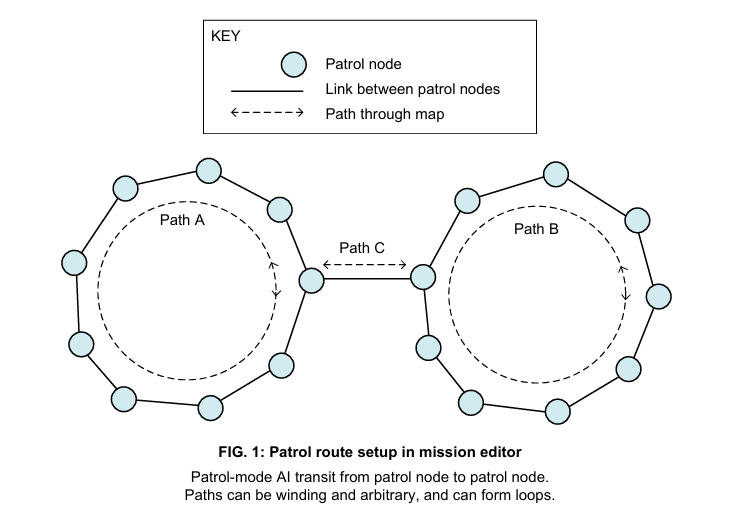
Figure 1 shows a collection of patrol nodes, which are placed and linked together in the Mission Editor (see section 2.6.3 of the Mission Editor page of the GROUND BRANCH Modding Wiki for more details on how to set those up). These define arbitrary paths for patrol AI to follow, and may contain junctions, loops and dead ends. During a round, patrol AI initially go to the nearest patrol node, and then pick a new destination patrol node every time they reach their current target.
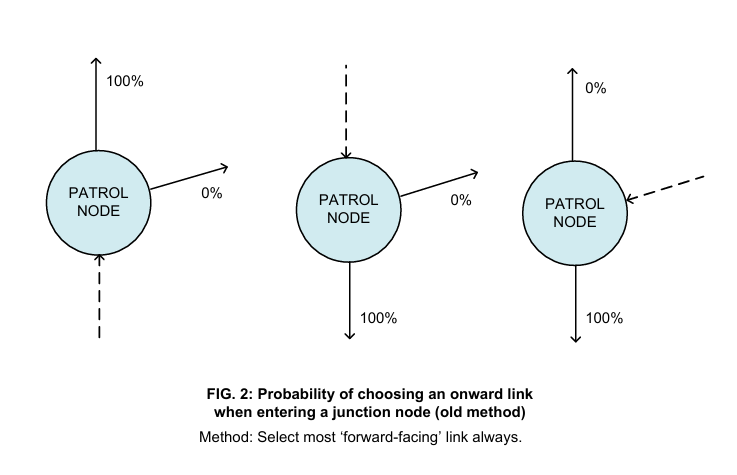
Figure 2 shows the historic method of picking an exit link from a patrol node for junction patrol nodes (that is, a node having more than 2 links). The link which is the most “forward”-facing (that is, requires the minimum deviation from the current path) is always chosen. This prioritizes avoiding sharp turns and possibly unnatural route choices when patrol AI is navigating a mesh of patrol nodes.
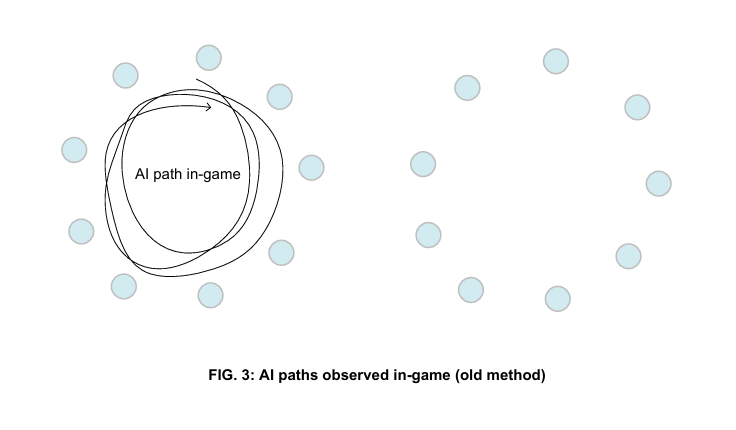
Figure 3 shows how, in practice, the historic link selection method can result in undesirable patrol paths. In this case, patrol AI who are on either Path A or Path B in Figure 1 will continue to follow that path indefinitely, because the most “forward” link at junctions will always be within the same path (in this example at least). It could be that the patrol AI will start on Path C in Figure 1, but after the first junction, they will get into an infinite loop as before.
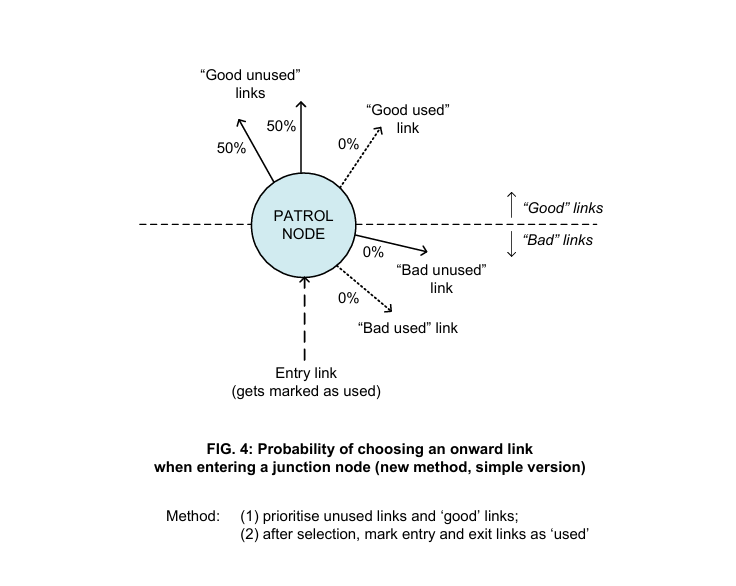
Figure 4 shows a new method that we are adopting in V1035 for selecting onward links at patrol node junctions. Links are divided into “good” (anything that is remotely in a forward direction, e.g. up to a 90-degree turn) and “bad”, and also “used” and “unused”. Each patrol node keeps a record of which links are recently used; when all the links are used, the list is reset. A link is deemed used if it has been used either to enter or to exit a node. When a patrol AI enters a junction node, the entry link is removed from consideration, and the remaining links are categorized into “good unused”, “bad unused”, “good used” and “bad used”. The first non-empty group in that descending order of priority is selected, and a random link is picked from that group. In Figure 4, there are shown two “good unused” links, so that group would be picked and the exit link selected randomly from it.
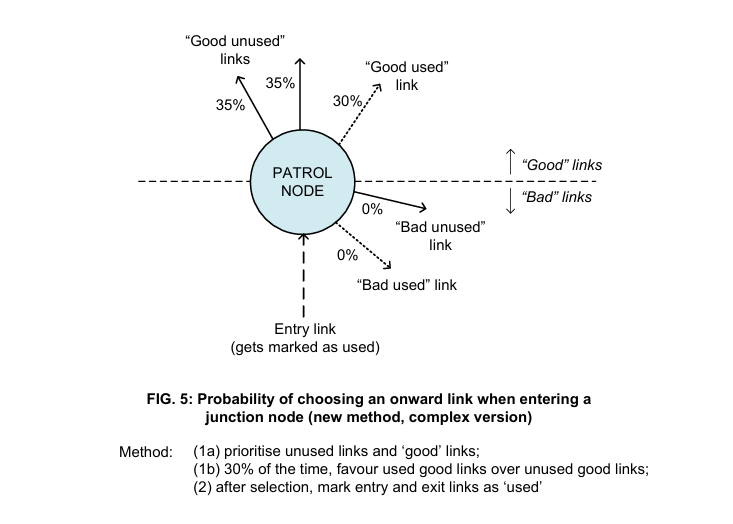
Figure 5 shows a more complex version of the method shown in Figure 4, in which 30% of the time, “good used” links are prioritized over “good unused” links, but otherwise the priorities are the same, with “bad unused” links taking precedence over “good used” and “bad used” links, respectively. The effect of this is just to muddy up the probabilities a little and to avoid the patrol AI getting stuck in different and exciting new infinite loops based on the new algorithm. The 70% chance of picking a “good unused” link is shared between the two links in question, leading to a 35% probability in following either. There is a 30% chance of picking the sole “good used” link.
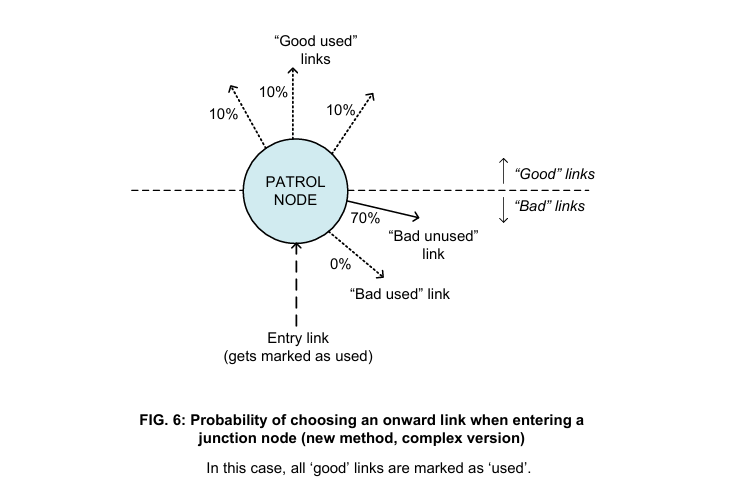
Figure 6 shows the same setup as Figure 5, but with all of the forward links being marked as “good used”. This means that the next group in the list is “bad unused”, with the method normally prioritizing “unused” over “good”. The single “bad unused” link therefore has a 70% chance of being selected. The “good used” links collectively have a 30% chance of being selected, as explained above. The precise probabilities are not important, but what is important is how the probability of links changes as the AI moves through the patrol node network.
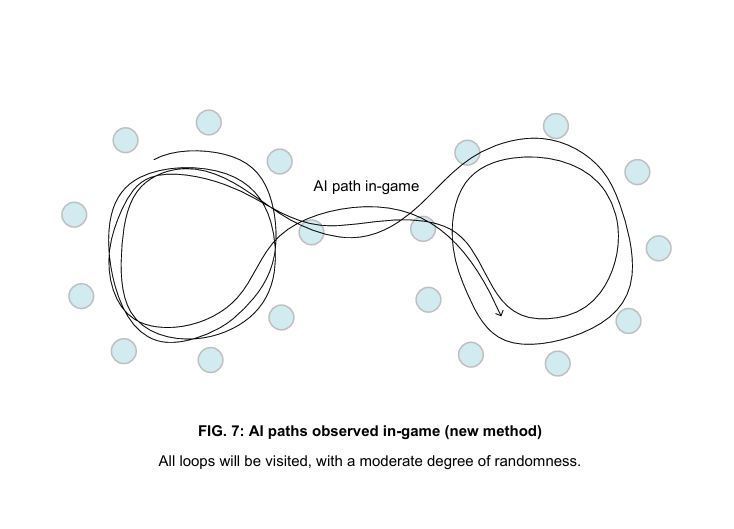
Figure 7 shows the new method of selecting patrol node links in practice. The AI may follow loops, sometimes more than once, but what is now prioritized is travelling over the full extent of the patrol node network. After the first couple of junctions, the location of the patrol AI should be relatively unpredictable, at least compared to the old version. Also, the patrol node junctions are rarely as complicated as those shown in Figures 5 to 7; normally, junctions have only 3 links.

Various parameters of this method can be varied, and it is quite likely that we will be refining those during testing, so take the figures shown here with a pinch of salt. We hope that mission makers have not been too frustrated by the patrol logic in previous versions, and will benefit from this rejig of the system. We are making one or two further changes to the AI patrols that you may notice when you start playing V1035, but we will let you discover those for yourself.

đź’ˇ Pro tip: if you want to vary your patrol AI behavior from the method described here, one way is to incorporate "one-way" links into or out of junction nodes (manually delete links in the patrol node actors in the Mission Editor). Proceed with extreme caution!

And that completes our deep dive into patrol nodes!

Other AI improvements and a bit of Ranch gameplay

Enemy AI continues to be worked on by Chris, and although a lot of it is happening under-the-hood or is otherwise difficult to showcase, we’re happy to report enemies react to grenades much more appropriately in V1035, as shown in this clip:


And here’s a little co-op footage to show off a little more of new map Ranch and its audio ambiance, as well as the G36K in action:


Map performance, lighting and color tweaks

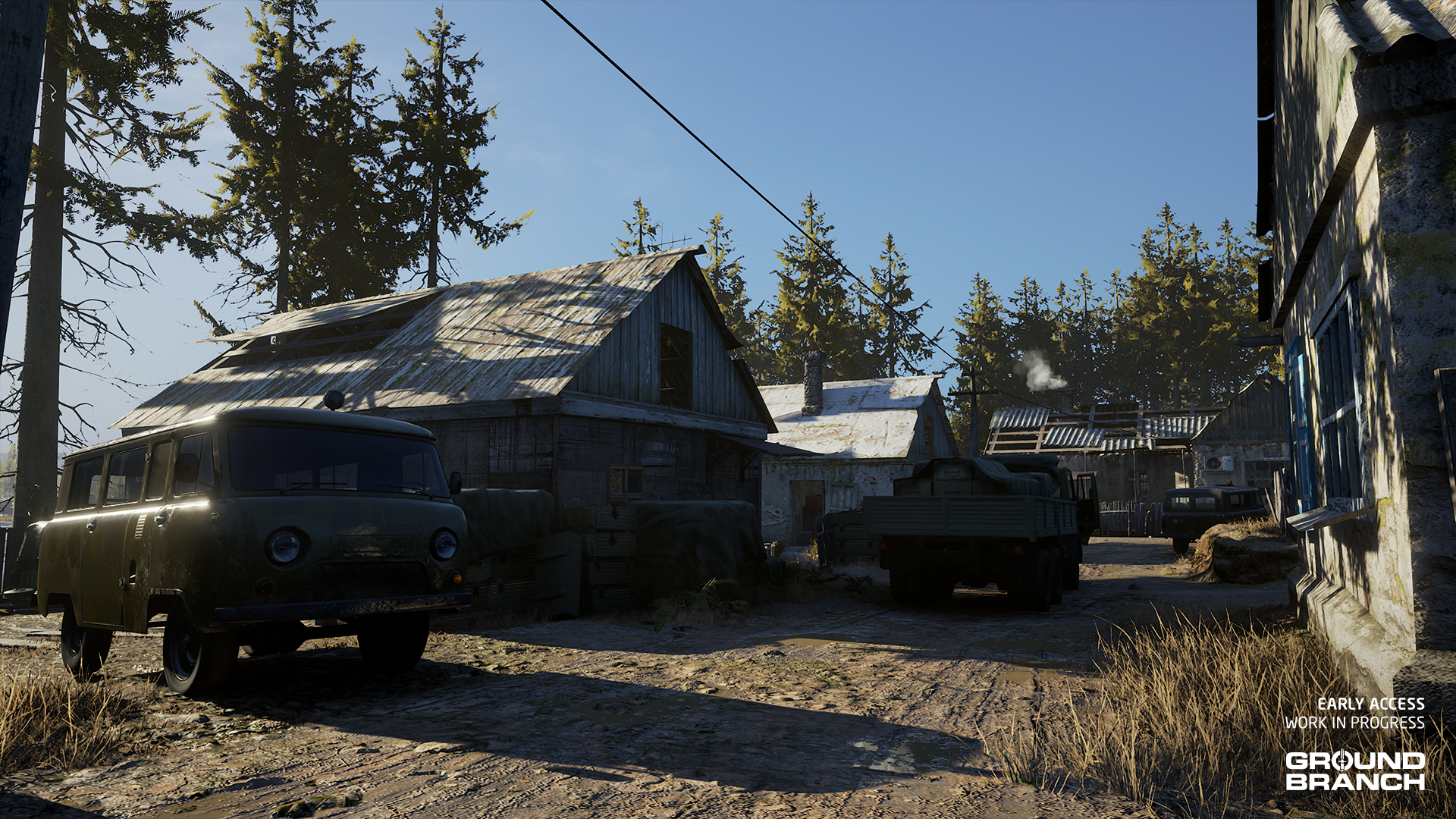
Environmental artist Will has taken a break from the 747 remake to do an optimization and visual pass on maps.

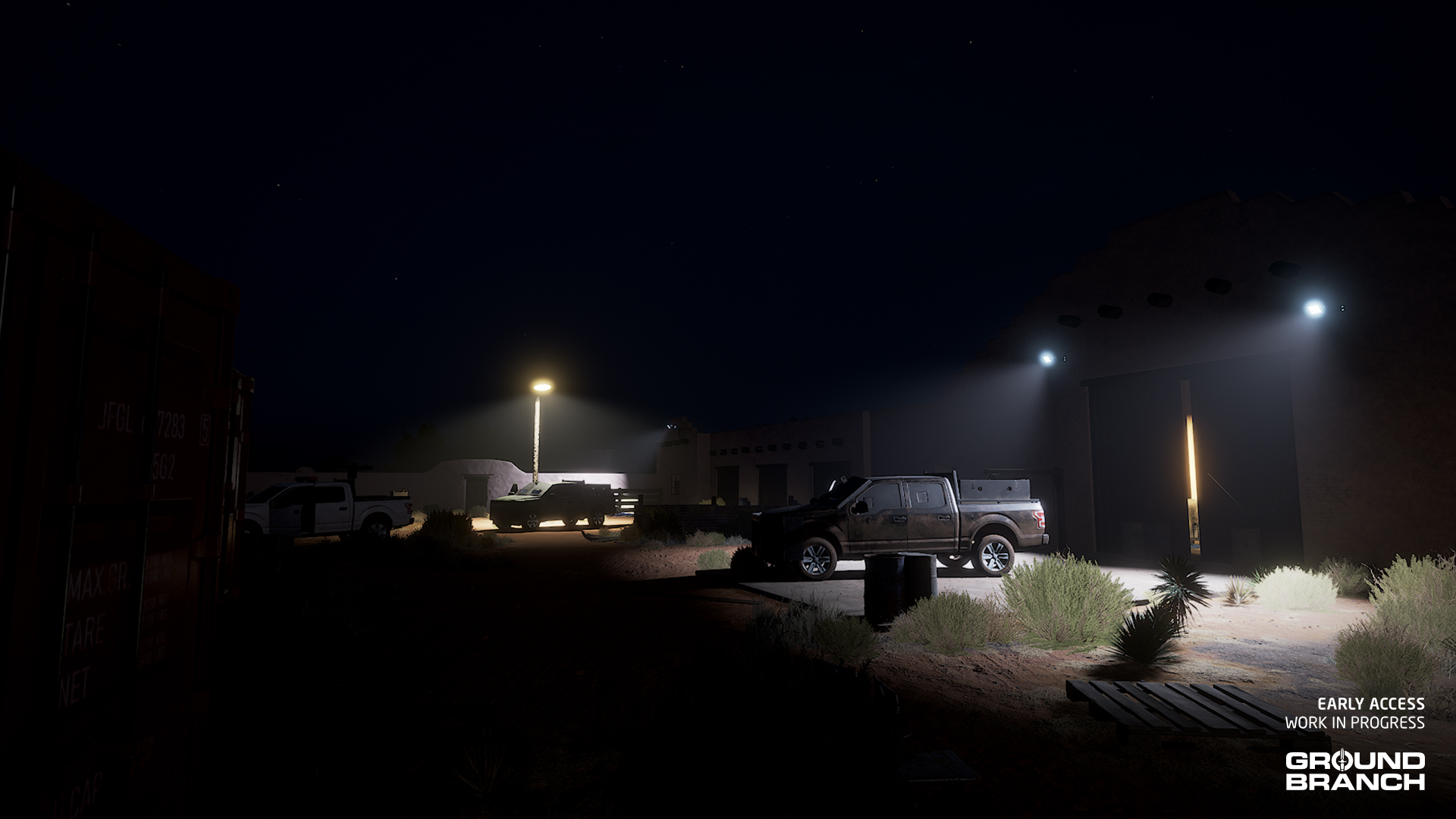
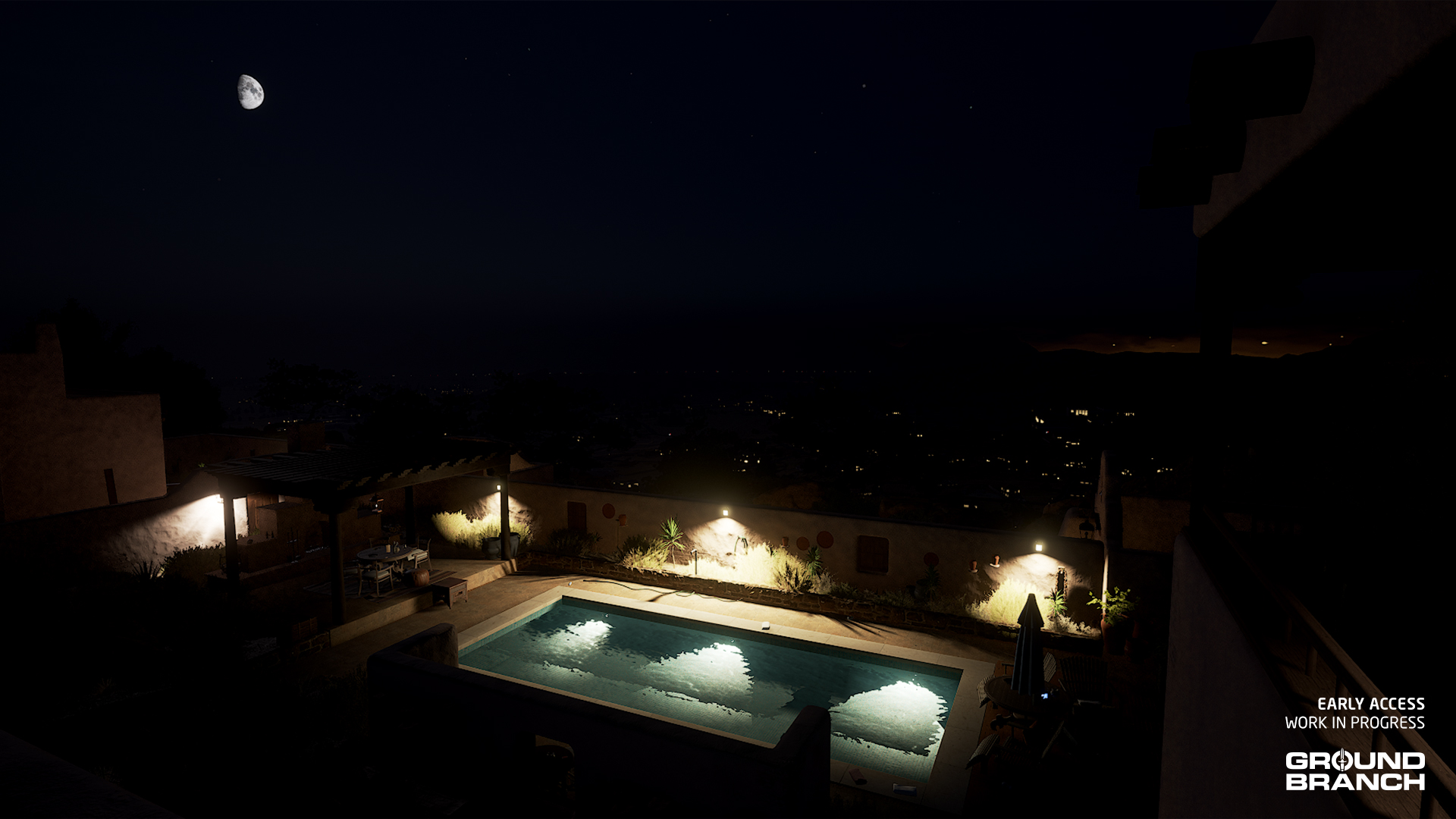
Although subtle in some ways, this iteration greatly improves the look and atmosphere of the maps by carefully tweaking the lighting, color-grading materials and textures, and adjusting the fog intensity and color. Vistas (the distant parts of maps that are not accessible) were also upgraded here and there.

Let’s take a look at some before (left) vs. after (right) shots:

As you can see, colors are more consistent (with fewer instances of bright colors standing out), and the fog adds a greater sense of depth — making it easier to judge different planes of the scene (near vs. far) and “softening” the more distant parts of the map which are naturally rendered in less detail.

đź’ˇ Fog color allows maps to have more unique atmospheres, especially with the sun at lower angles. Our lighting and weather systems allows different settings to be used at night, dawn, dusk and daytime. The fog color in the examples above is one of the factors for the "colder" tone during the day, but at dawn and dusk there is a very warm fog effect.

Will has also given Small Town a little facelift, improving the texturing and adding details and props. Here are some more comparison shots:

đź’ˇ Will continues to work on the new version of 747, as part of the big push to update all of GROUND BRANCH maps to the same visual standards as Depot, Small Town and others.

Another look at some of the new primary weapons

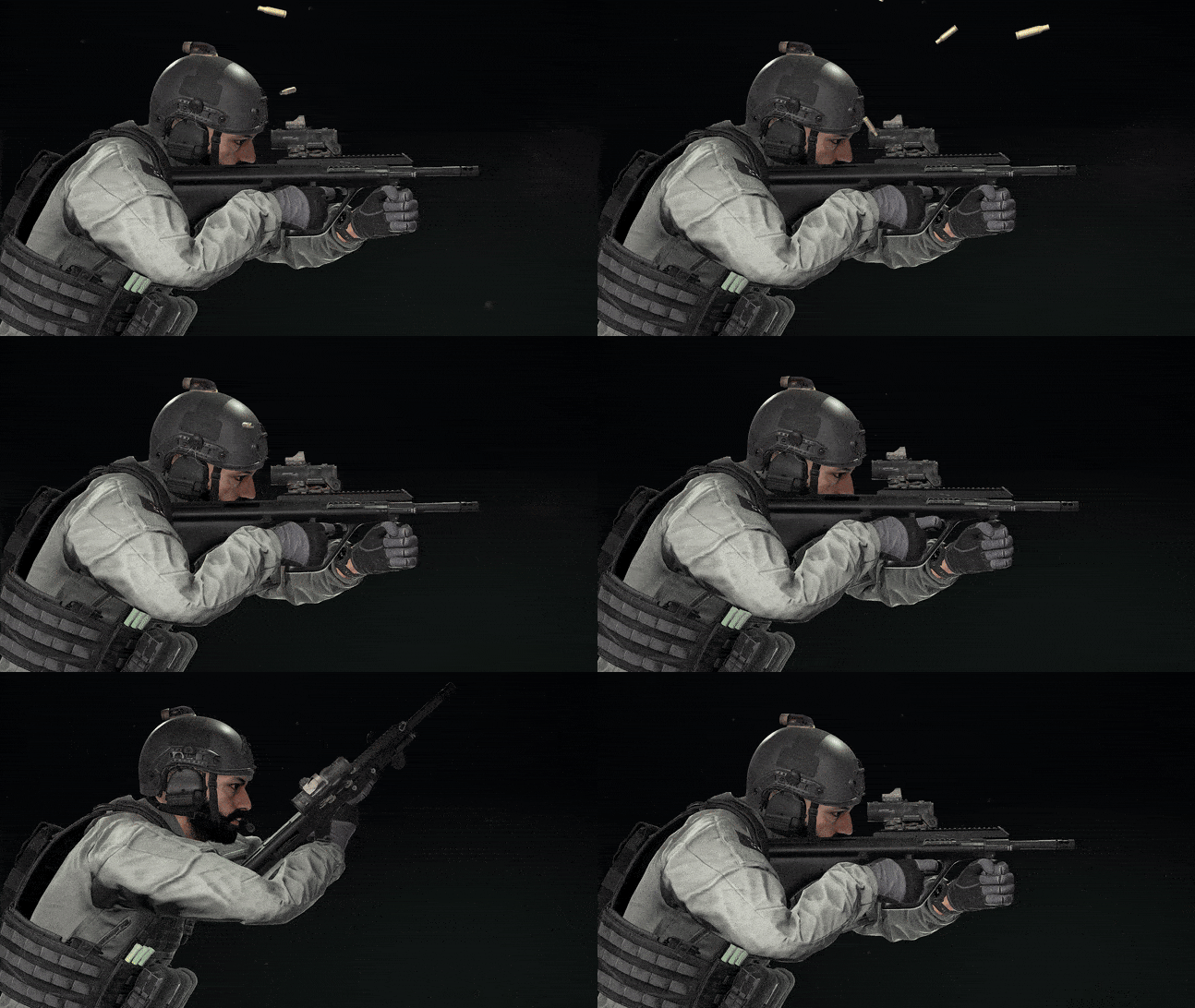
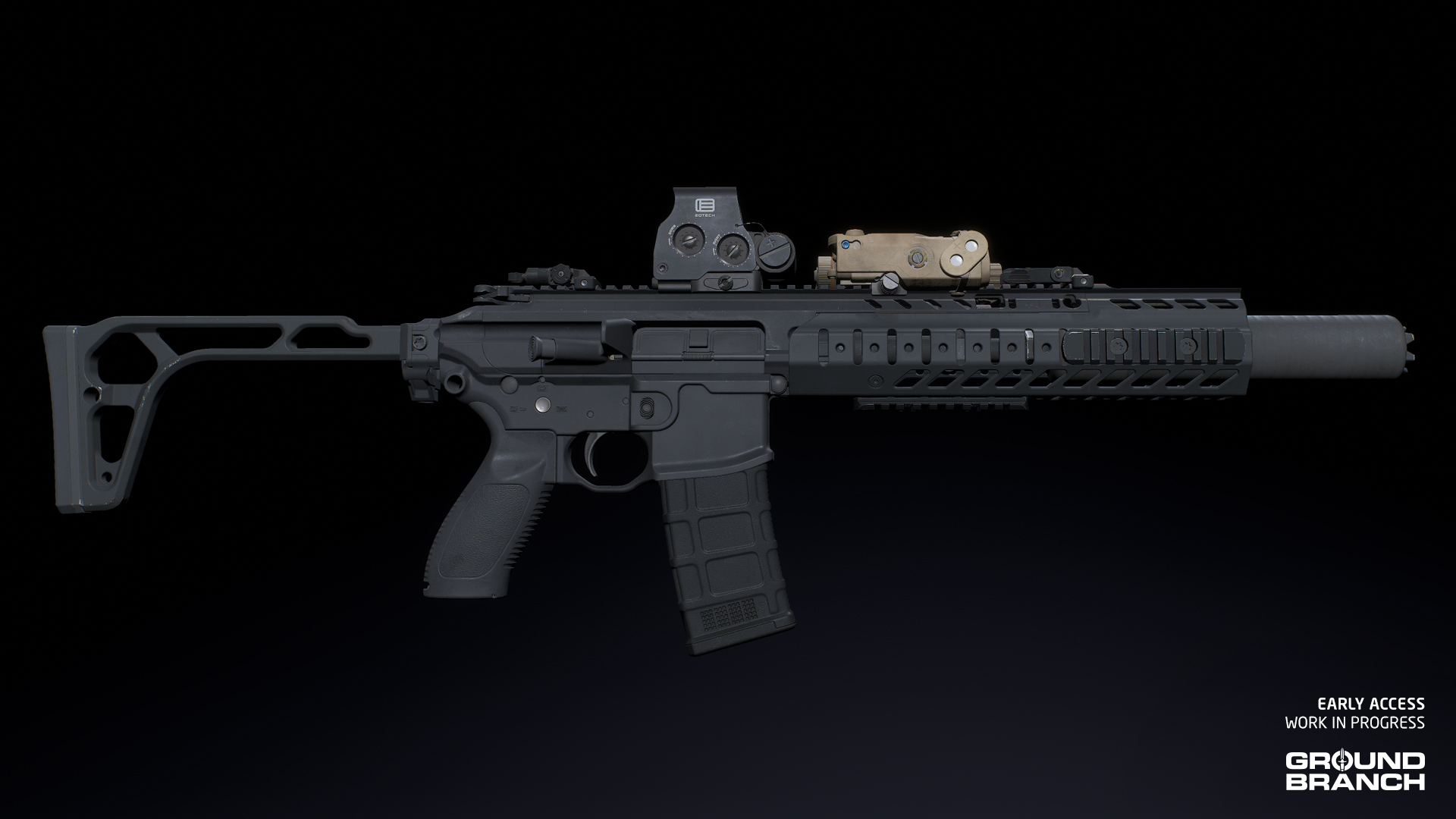
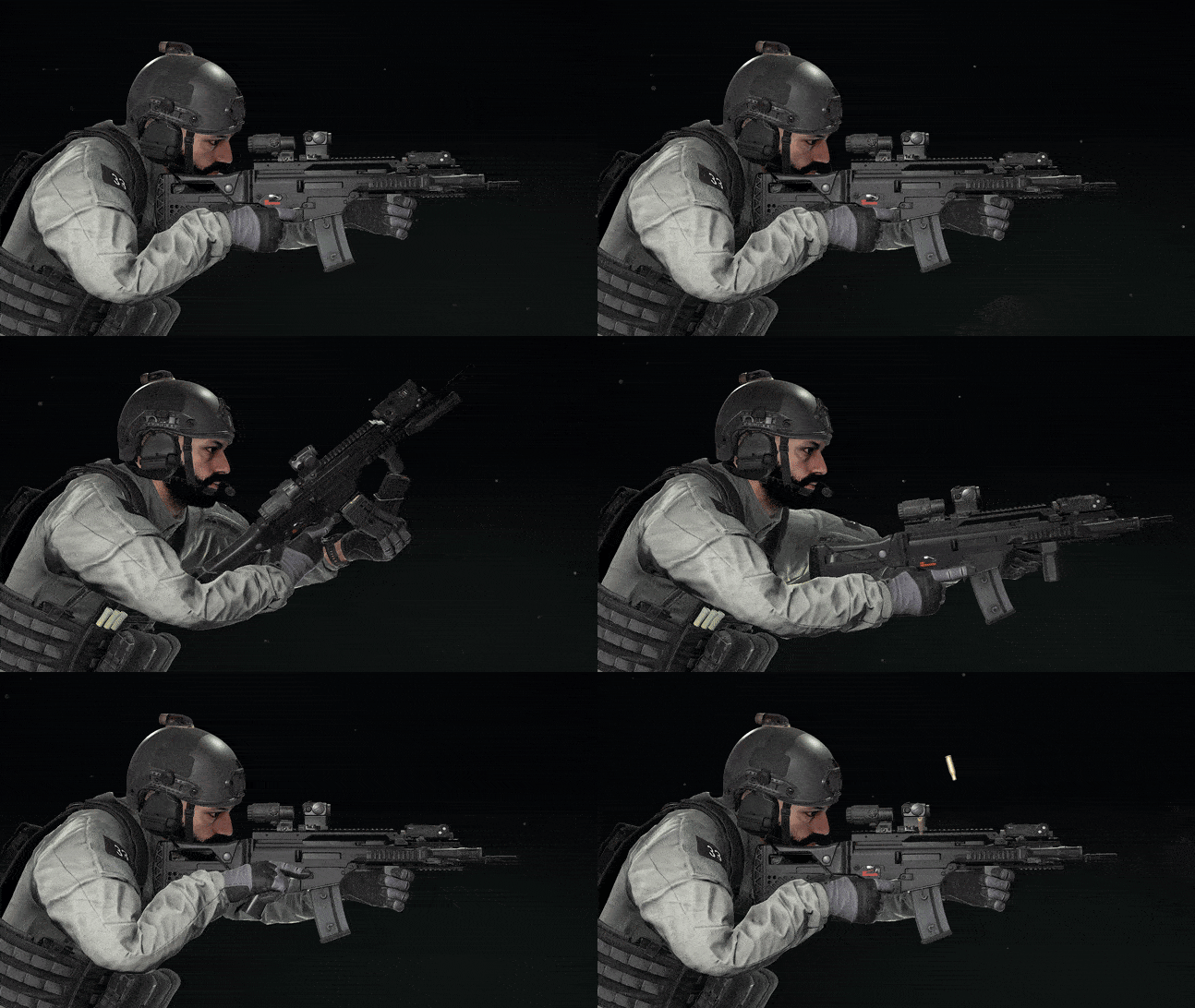
For your appreciation, media wizard Rangda has put together a few gifs of the LVAW, G36K and AUG A3 being fired and reloaded. That’s it — just a little eye candy:
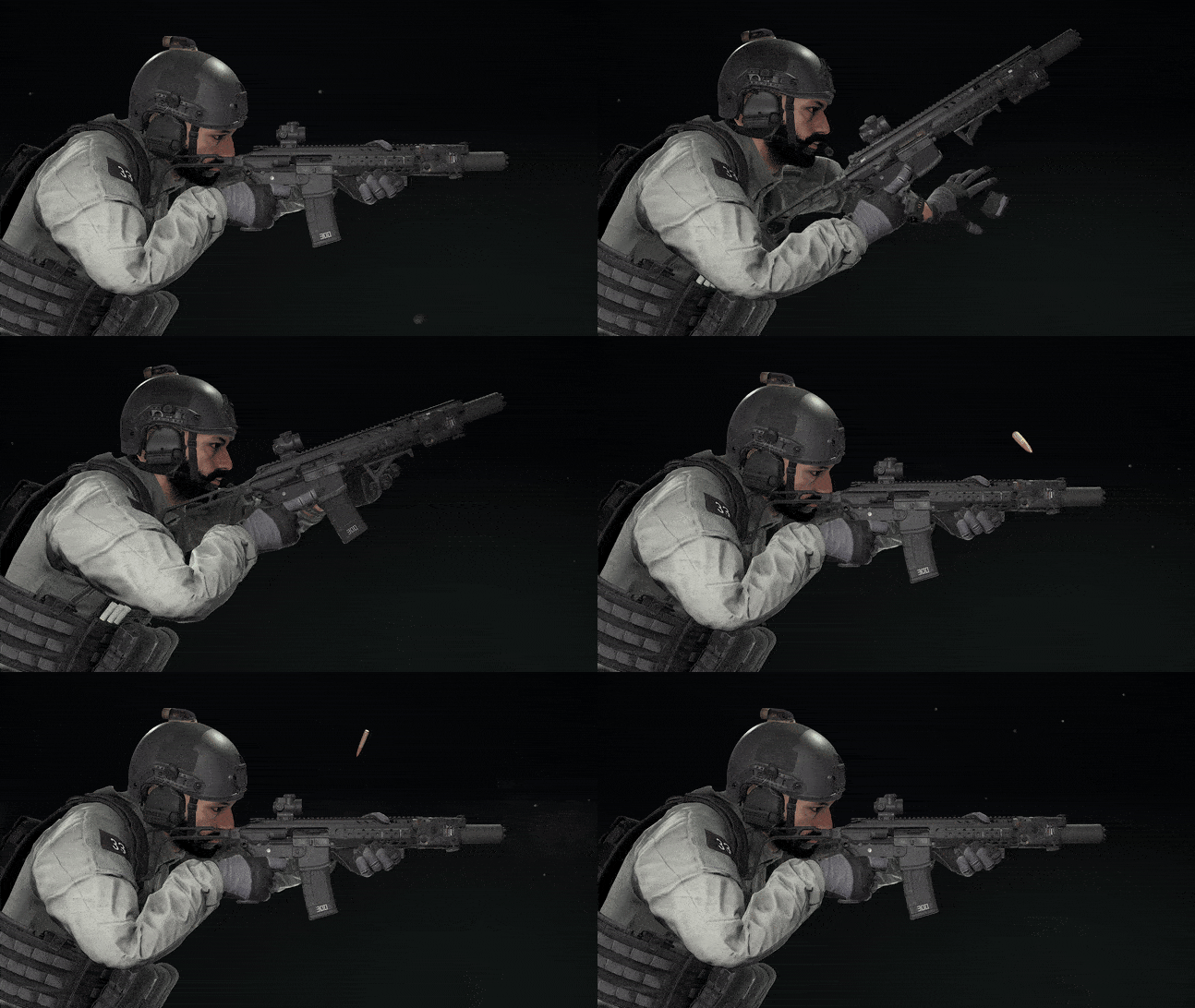
LVAW
G36K
AUG A3

This has been Intel Report #025!

And that’s all we have for you today.

As mentioned earlier, there is more going on in V1035 than we’re showing here. Some of the other stuff we’ve already shown you in past intel reports (be sure to check them out if you haven’t already), and there are a few other things that we’re choosing to not reveal before the actual release, because we feel it’s important to keep a sense of mystery in our relationship.

Stay tuned, and we’ll see you again soon!
Intel Report #024: Road to V1035 (November 2024)

Hey, everyone!

Our Intel Report for November was delayed due to the US holidays, but it is now ready for consumption.

đź’ˇ If you missed last month's Intel Report #023, be sure to give that a look as well!
đź’ˇ Keep in mind this report is not an exhaustive list of V1035 features. For an overview of expected changes and additions, refer to our roadmap.

GAS (Gameplay Ability System)

The migration to the new Gameplay Ability System framework (better known as GAS — more information here), continues to be implemented in several areas of GROUND BRANCH. Though it has the benefit of providing a more flexible and reliable structure for many of the game’s systems, as well as making new systems — or gameplay abilities — easier to implement, it does have the unfortunate side-effect of requiring a lot of things to be rebuilt or reworked… which has caused delays in V1035 despite our best efforts to do a smooth transition.

However, as mentioned in September, this should be the last major hurdle before we’re able to develop both new and existing systems at a much more consistent pace — with far fewer setbacks — towards V1.0. We’re sorry it’s taking this long and we hope it’s worth the wait for everyone!

AI and Mission Editor updates

Bedtime but for bots

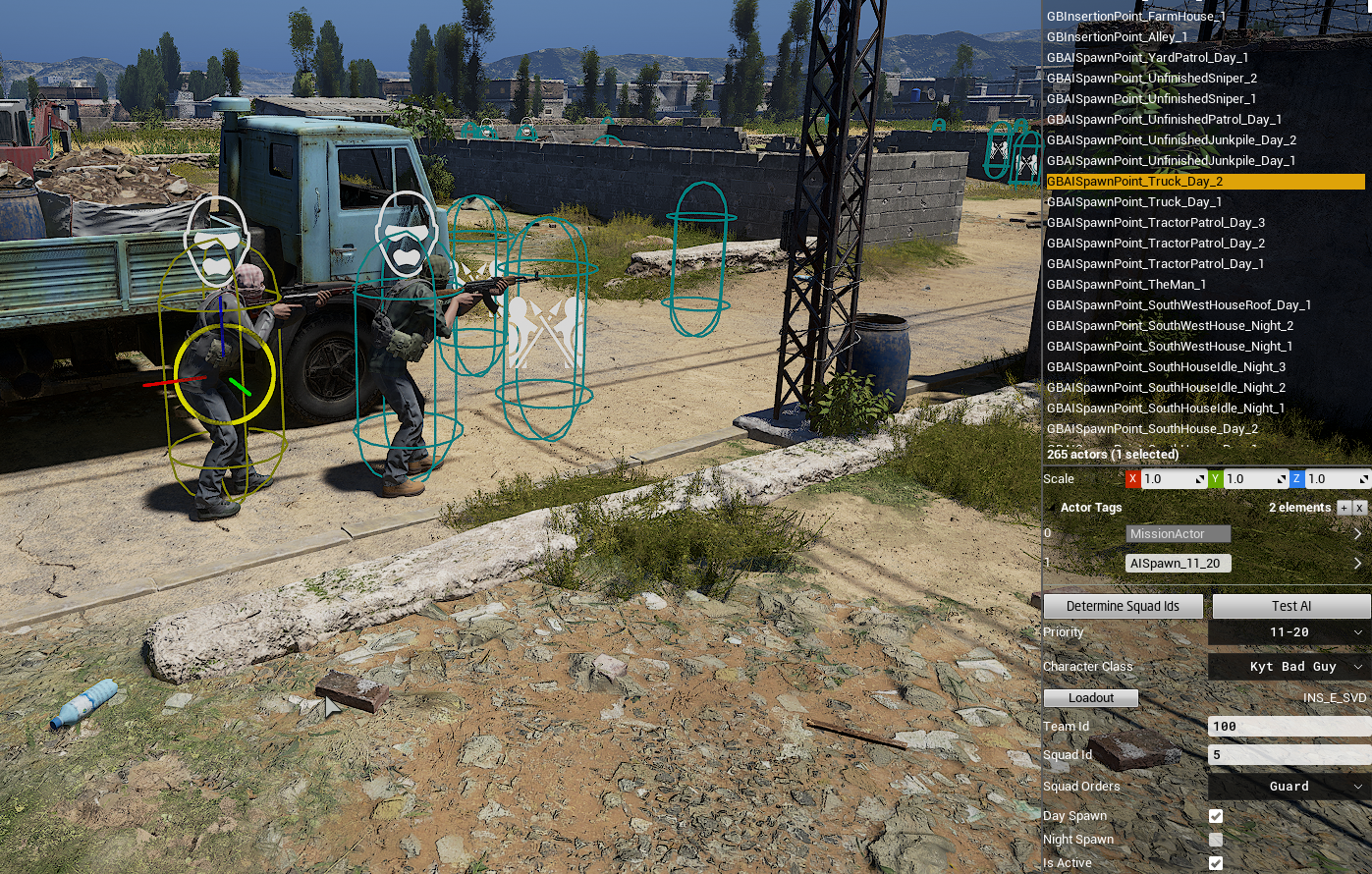
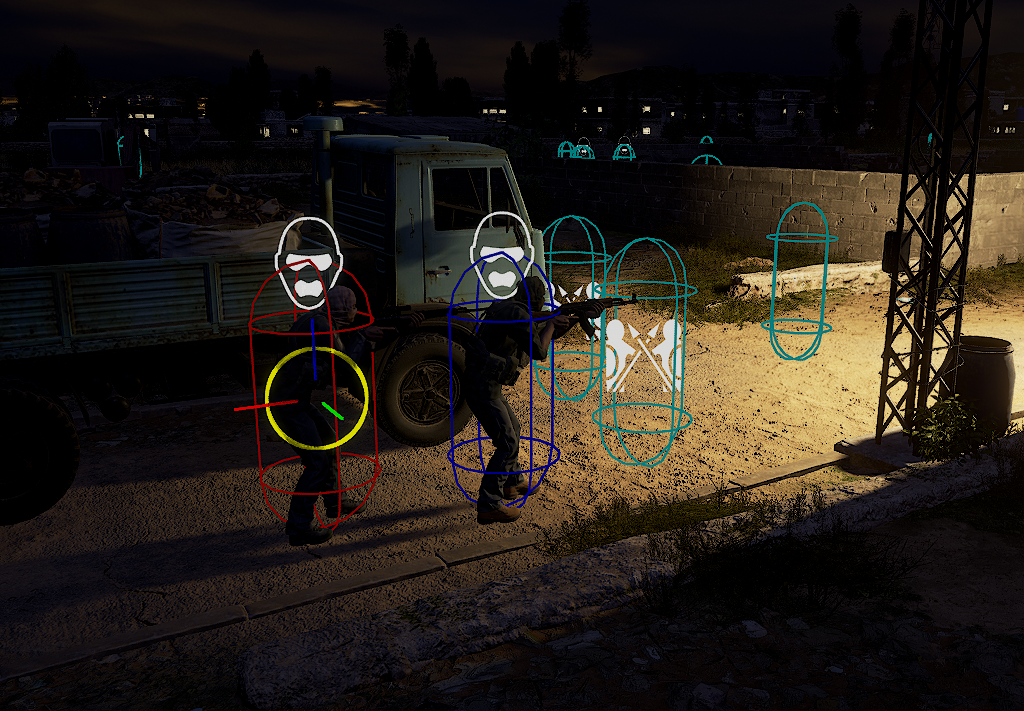
Matt has added logic for a new setting that allows PvE game modes — including player-created ones — to use different spawn points for the enemy AI during daytime and nighttime. As an example, missions in V1035 can have more idle bots spawning inside buildings at night, or perhaps have a larger number of possible spawn points during daytime. Compound is an example of a set of missions that has been adjusted to include a lot of daytime- and nighttime-only spawns, as can be seen below:

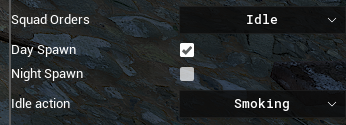
AI spawn points now have a “Day Spawn” and “Night Spawn” option, determining when the spawn is used
When spawn points are disabled due to day/night settings, they change color

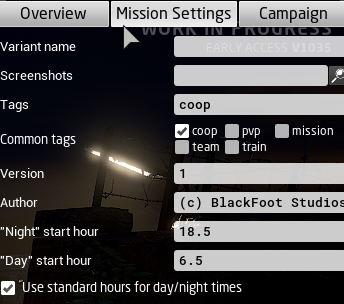
The editor allows the “bedtime hours” to be set manually, allowing for finer control over what is to be considered day and night for the AI:

The times when day and night transition occurs are set in the mission settings panel. They can be linked to astronomical time (standard hours), e.g. linked to sunset and sunrise

This new setting will be part of a broader system for the AI which will eventually include routine events such as sleeping in specified bed meshes and other human-like idle behaviors. No, we don’t think that sentence makes us sound like robots at all.

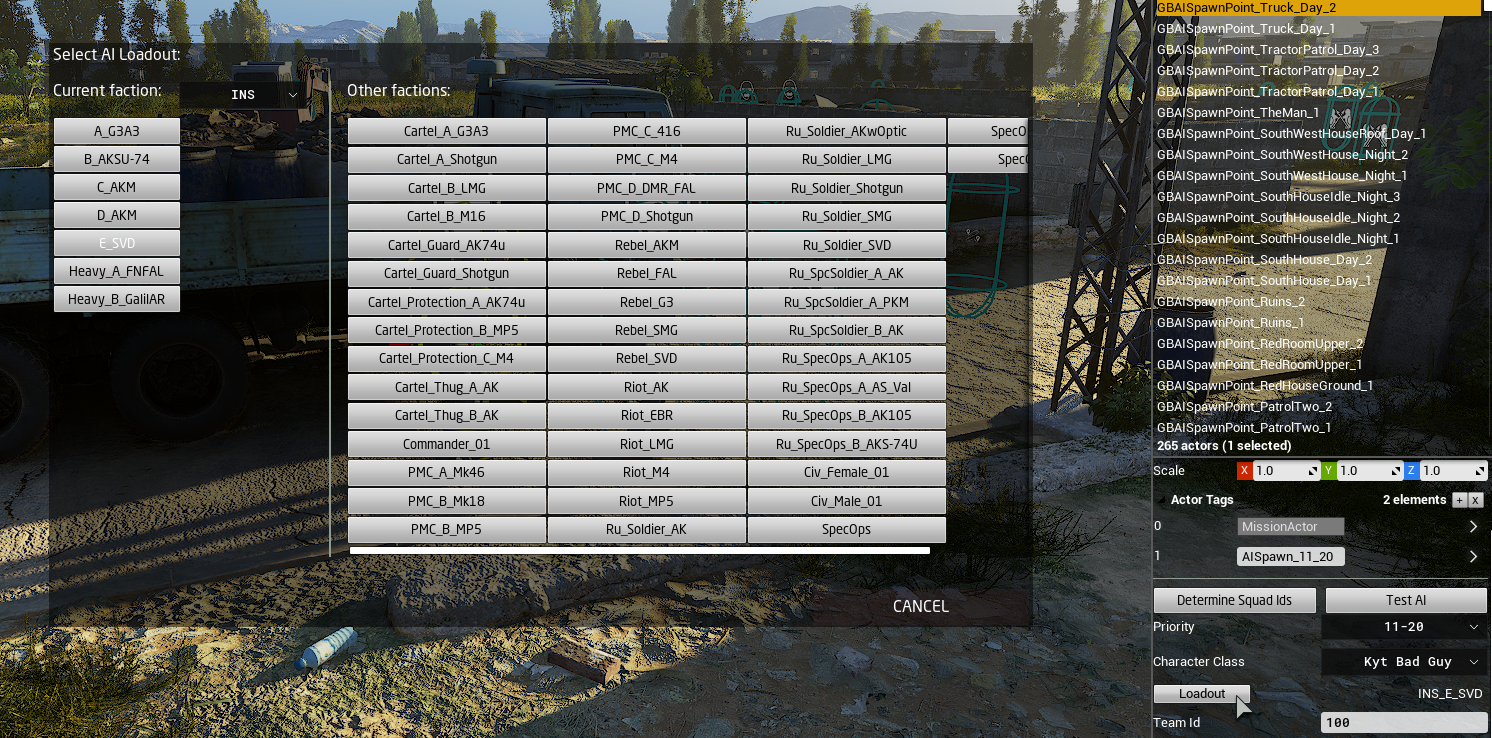
The AI loadout selection has now been streamlined for ease of use and visibility
More logging is provided to help identify issues with mission loadout setups
Idle tasks can now be set in the spawn point settings (work in progress)

Navblocks: a deep dive and a fix

We have done some maintenance on navblocks in V1035. What are navblocks? They are pieces of the mission setup that block parts of the navmesh. What is the navmesh? It is the means by which AI navigate around maps.

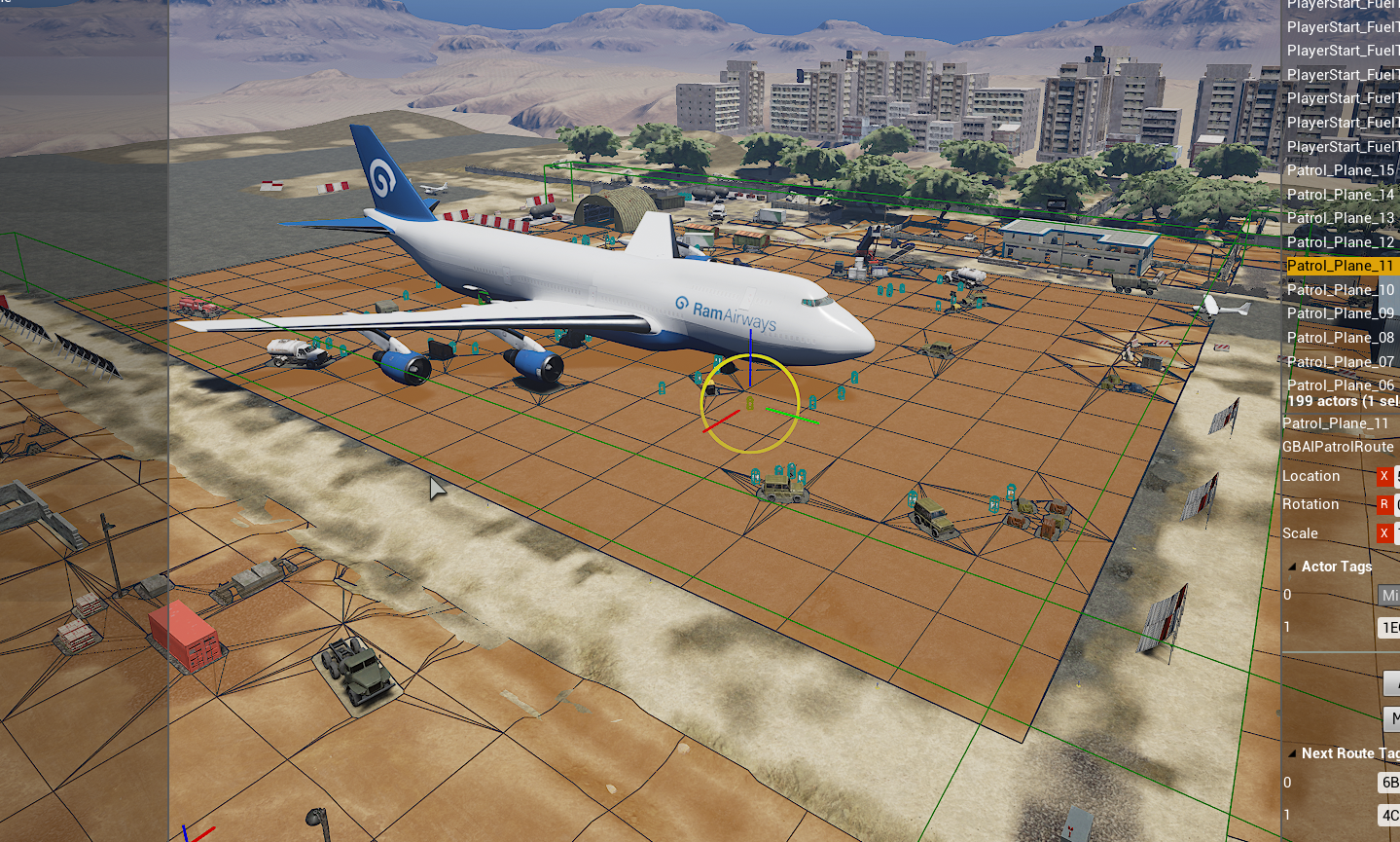
In the screenshot below, you can see how in the 747 (Plane and Nearby) Terrorist Hunt mission, navblocks have cut out a rectangular portion of the navmesh (shown here in orange) around the plane. This means that any AI that spawn in or around the plane can move around their local area, but won’t pursue you to the terminal building, hangar or hills area.

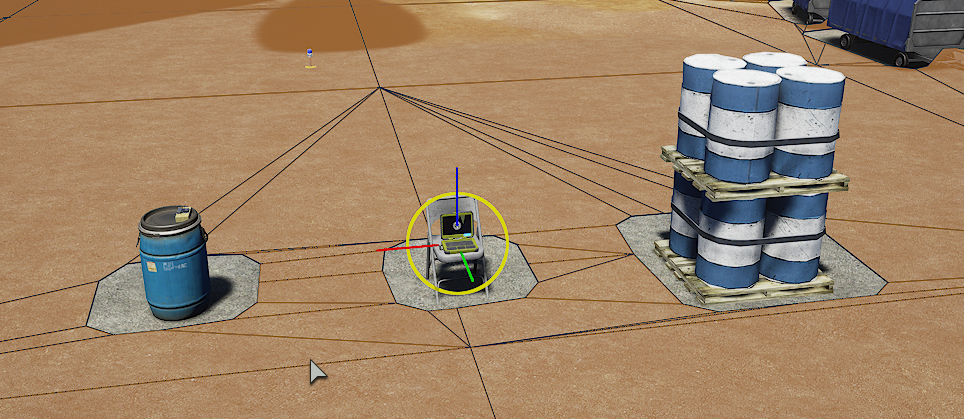
As you can see below, navblocks are also integral to some mission objects, such as Defuse bombs (left), Intel Retrieval and Uplink laptops (middle) and mission meshes (right). If navblocks aren’t there, the AI doesn’t know that the objects exist, and may try to walk through them. In practice: that doesn’t work so well.

Navblocks can also be turned on and off during a mission. This feature is used, for example, in the bum rush at the end of Terrorist Hunt missions. When the bum rush begins, all navblocks are turned off, so the AI can then rush you from anywhere via anywhere. Terrifying.

So that’s what navblocks can and should do. Unfortunately, in V1034 it seems we slightly broke them. But, in V1035, they should be back and working great. Sorry about the inconvenience in the meantime.

Where is the AI at

Both enemy and friendly AI continue to be worked on behind the scenes and a lot of new work is needed to integrate AI systems with the GAS system mentioned above.

That work notwithstanding, Chris is moving forward with a new feature originally planned for V1034: grenade-throwing AI. He’s currently hooking up our bots with a basic throwing animation and the ability to throw frags, flashbangs and even smoke grenades when their morale drops and they start retreating. Throws are being limited to 30 meters for the time being, and Chris is looking into linking max throw distances and the likelihood of grenade throws to difficulty settings.

đź’ˇ Traits of AI grenade throws are likely to be further determined by AI "archetypes" in the future.

Glow-stick; or, the chemlight

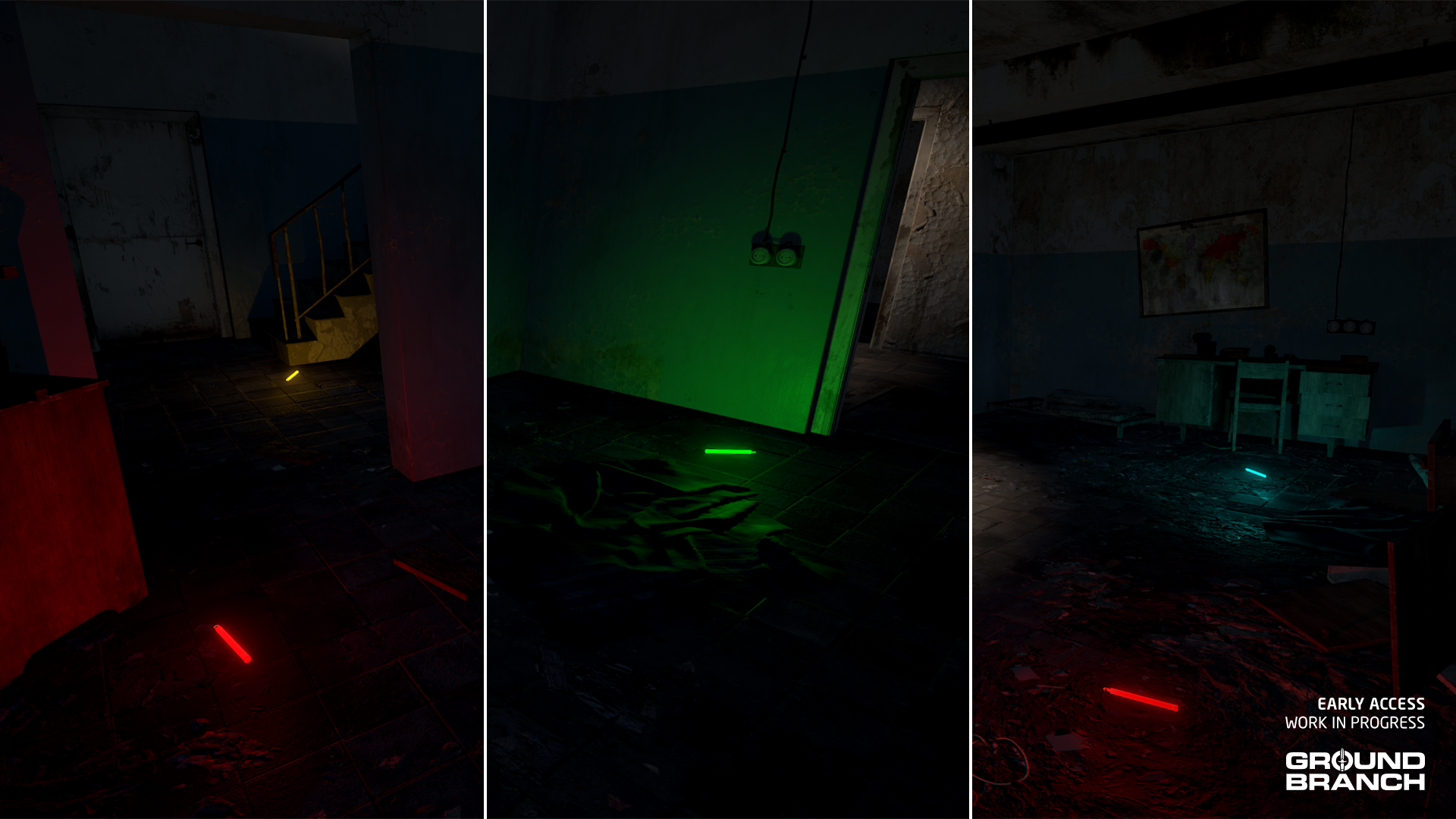
Chemlights, also known as glowsticks, are also being implemented in V1035. Chemlights are plastic tubes filled with two isolated substances that, when combined — by cracking the tube — generate light through chemiluminescence.

In GROUND BRANCH, chemlights can be used to mark a location for various purposes, such as indicating that a room or objective has been cleared, or designating a rally point.

For our first implementation, we’ll be tying the color of your chemlights to the team (or element) you’re currently part of. In other words: in PvE, chemlight color is determined by your current team element (green for Alpha, yellow for Bravo, blue for Charlie and red for Delta); in PvP, your team (blue or red) determines the color of your chemlights. We may or may not make chemlight colors more deliberate/flexible as we go.

💡 In V1035, 10 chemlights are automatically added to your loadout on deployment — there's no need to equip them.

‘Tis the seasons for new toys

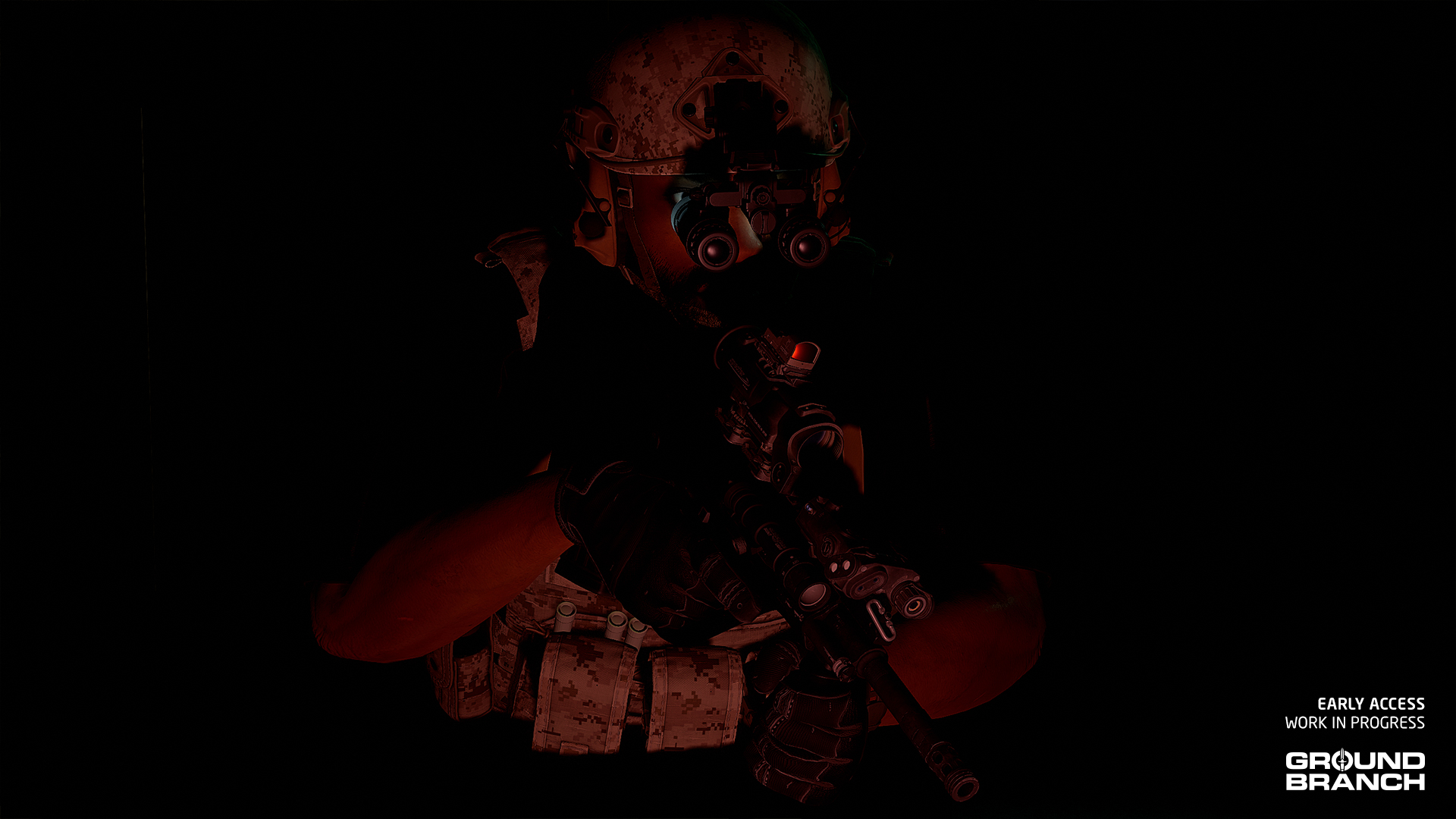
New model for dual-tube night vision goggles: AN/PVS-31A

For years, you had to put up with our old NVG model, which was based on… whatever it was based on. We’ve finally replaced it with the far more authentic AN/PVS-31A, widely used by US SOF.

New AN/PVS-31A night vision goggles model, seen here with the (also new) AUG A3

VSS and AS family

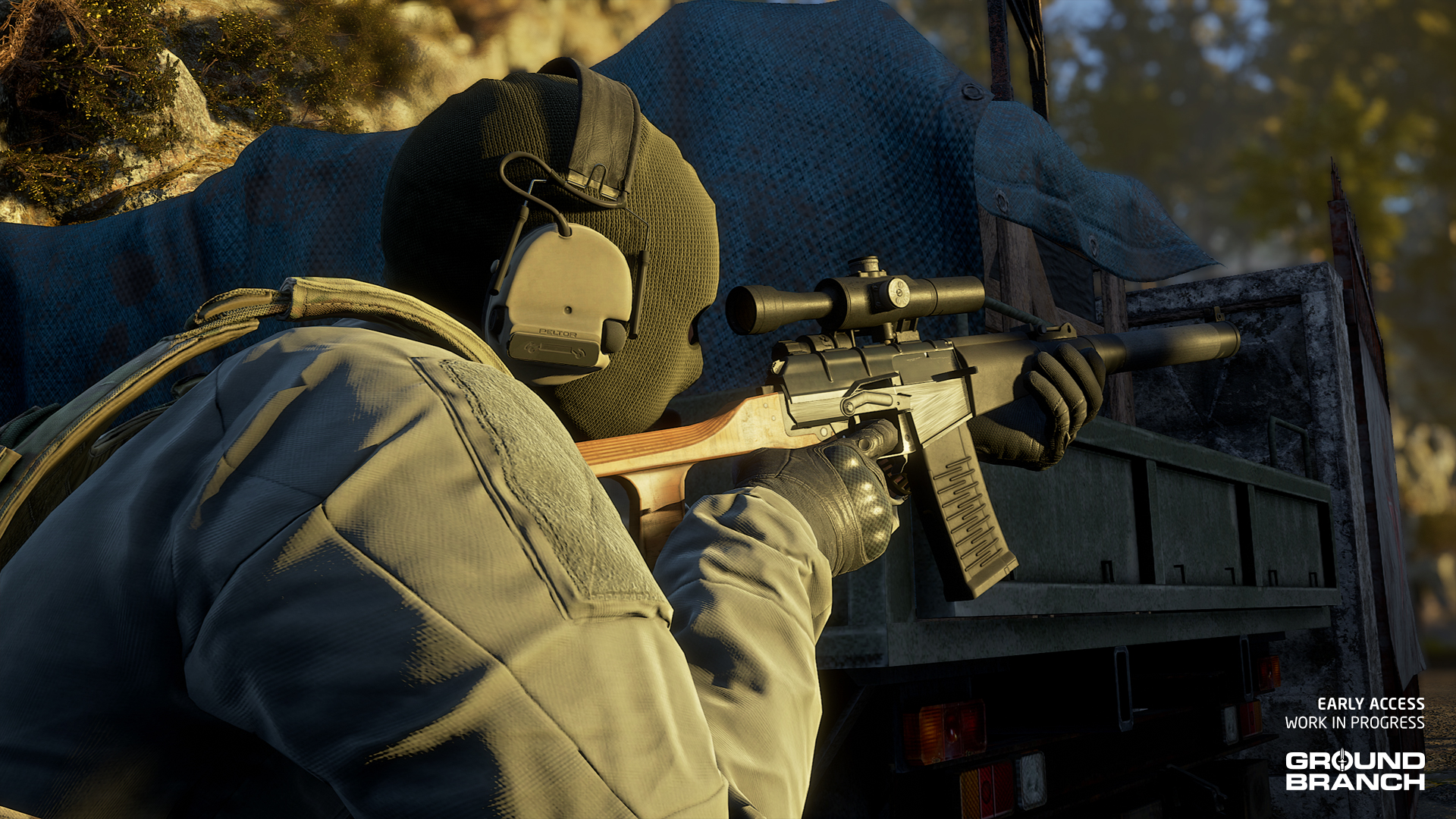
As teased in previous posts, V1035 will be adding the VSS Vintorez and AS Val to GROUND BRANCH, in addition to their modernized variants VSSM and ASM which are equipped with accessory rails. These integrally suppressed rifles of Soviet origin are chambered in 9×39 mm and have select-fire capabilities.

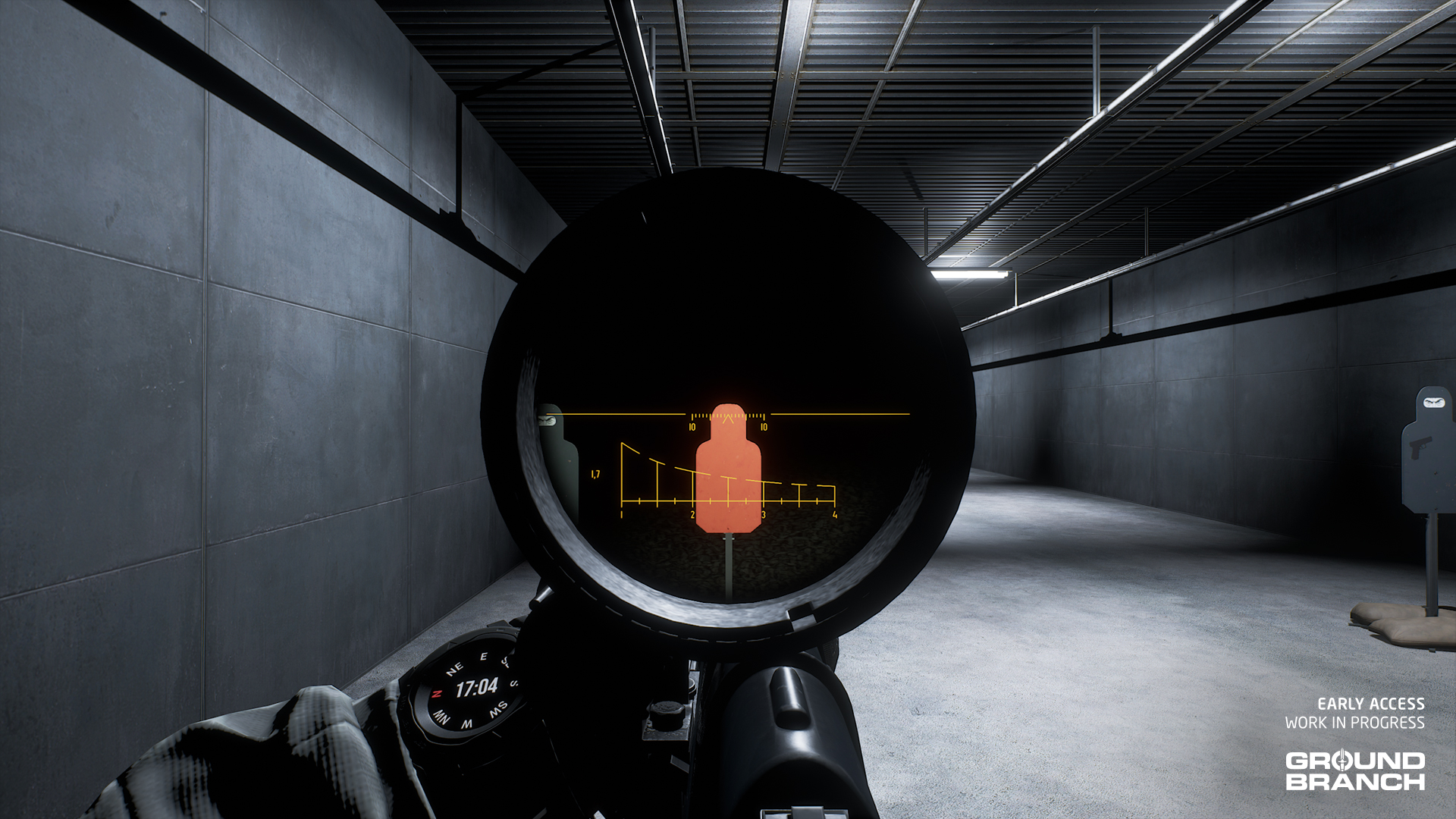
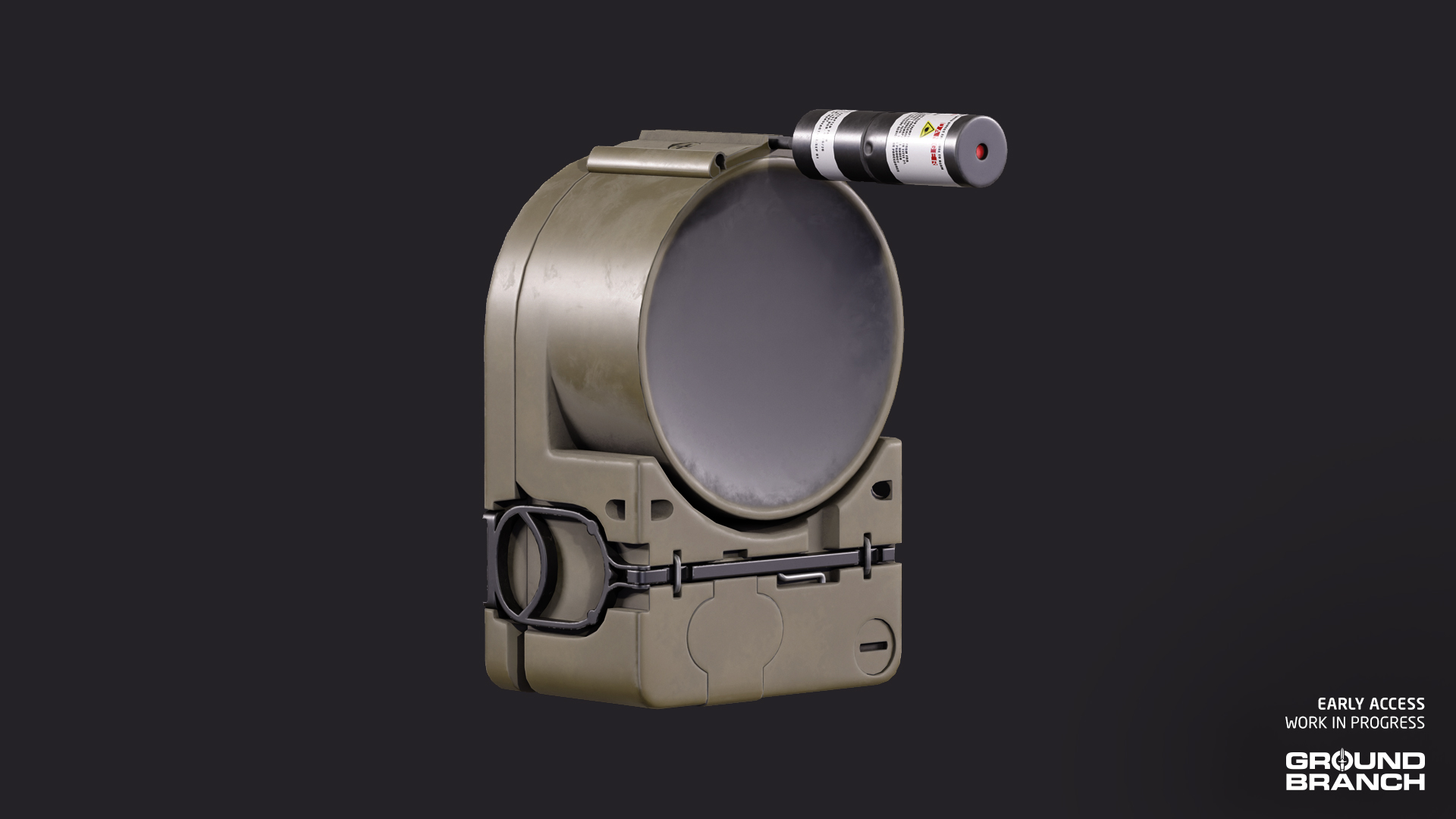
Due to their very quiet but underpowered subsonic ammunition, these rifles have a special version of the PSO-1 4x scope (called PSO-1M2-1) specifically calibrated for it. Here’s what it looks like with illumination turned on:

💡 When customizing the VSS or Val, the attachments menu will display the correct version of the PSO-1 scope — in this case, the PSO-1M2-1. Conversely, the SVD customization will only display the "regular" PSO-1M2. This is courtesy of Kris' new "tag" system which automatically shows/hides attachments according to what the platform being customized is meant to support.

DBAL-PL: a PEQ for you pistol (don’t read this out loud)

Lastly for today’s sneak peek, a demo run of The Farm’s aircraft shoothouse using the new DBAL-PL — a laser and light module for your sidearm, with both visible and IR modes. Let’s take a look:

That’s a wrap for Intel Report #024!

As always, thanks for keeping up with GROUND BRANCH and reading through our little dev blog for V1035. Your support is immensely appreciated, and we hope to have more news for you soon. See ya then!
Intel Report #023: Road to V1035 (October 2024)

Folks,

As October comes to a close, it is once again time for another Intel Report, when we take a little time off development to fill you in on the latest news and previews for our major upcoming release GROUND BRANCH V1035. Keep reading for your monthly dose of sneak peeks and tactical hype.

đź’ˇ If you missed last month's Intel Report #022, be sure to give that a look as well!
đź’ˇ Keep in mind this report is not an exhaustive list of V1035 features. For an overview of expected changes and additions, refer to our roadmap.

So, about that demo mission

Matt (aka Fatmarrow) is still very much in the trenches in order to get all the systems required for the demo mission up and running. Last month, most of the work went into the user interface, as showcased in the Operations Map. This month, Matt’s attention shifted to the actual mission objectives, as he built up systems for scouting locations, searching for intel, and planting explosive charges. Let’s take a look at his work so far:

Although the mechanics and visuals in the videos are all subject to change — and your feedback is most welcome, especially once public testing begins — this work represents an important step in implementing more complex objectives and mechanics into GROUND BRANCH.

AI, but friendly

Last month, we also mentioned that we were hoping to support AI teammates for the V1035 demo mission, which would bring our single player experience a lot closer to what it was always meant to be. This month, we’re excited to confirm that V1035 will indeed feature a first pass on AI teammates!

As with the demo mission objectives, the exact mechanics and interface are all subject to change, but Chris has an initial implementation in place which you can see here:

In addition to basic commands for “Move and Clear”, “Fall In”, “Hold” and “Take Cover” (all shown in the video), your AI teammates are able to use two modes of combat: “active” and “passive”.

In active mode (which we’re likely to label “Assault”) they will fire upon contact, whereas in passive mode (to be labeled “Recon”) they will hold fire until either they’re fired upon, or the player fires a shot — in which case they will currently be allowed to open fire for 4 seconds, and then hold fire again.

đź’ˇ AI teammates will be limited to 3 operators in V1035 for a 4-man team total, but the final maximum team size is likely to be between 6 and 8 operators.

It’s all very much a work in progress and still rough around the edges, but also nice to finally see it start to take shape.

Bringing the Power Station remake forward

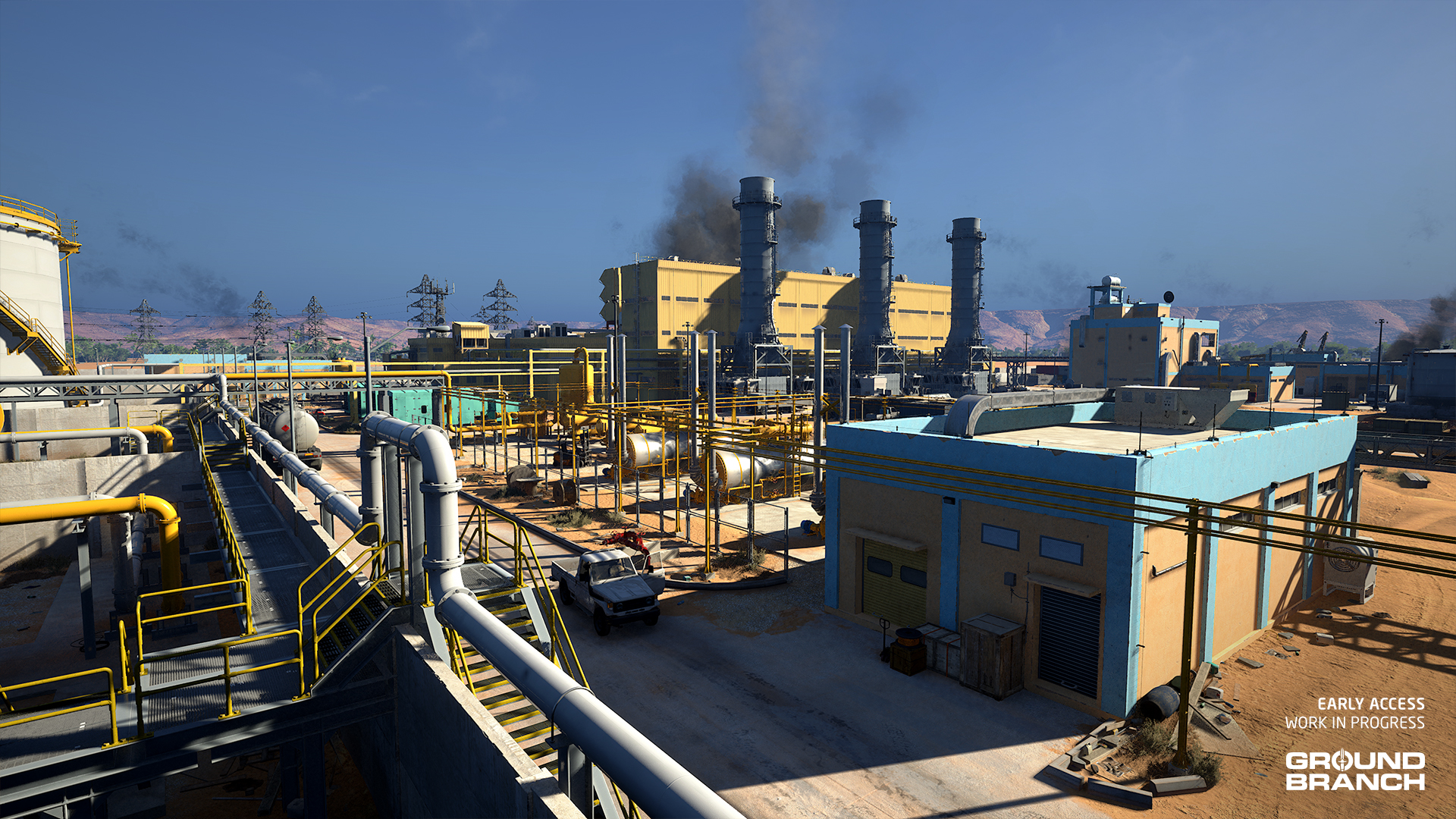
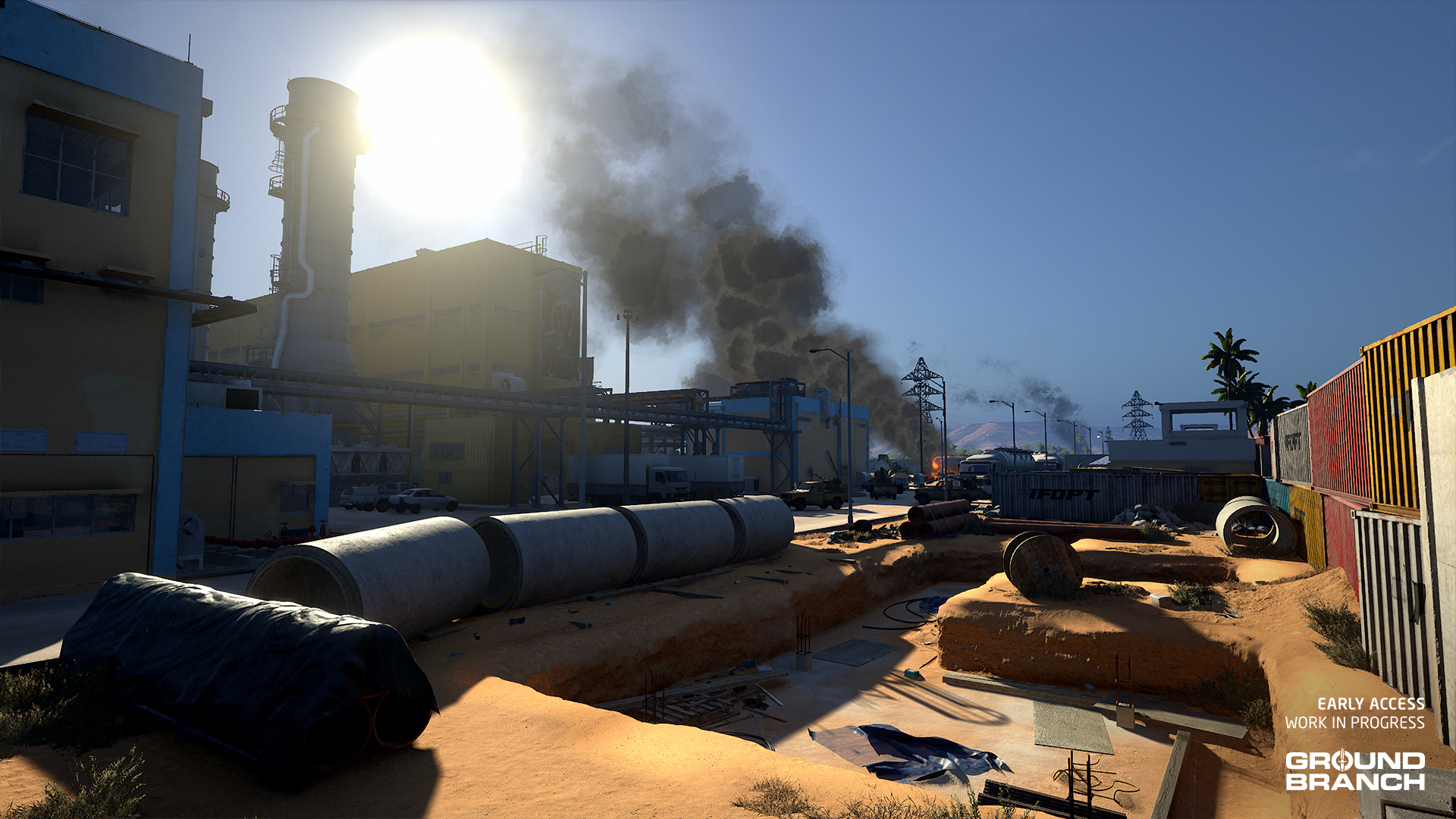
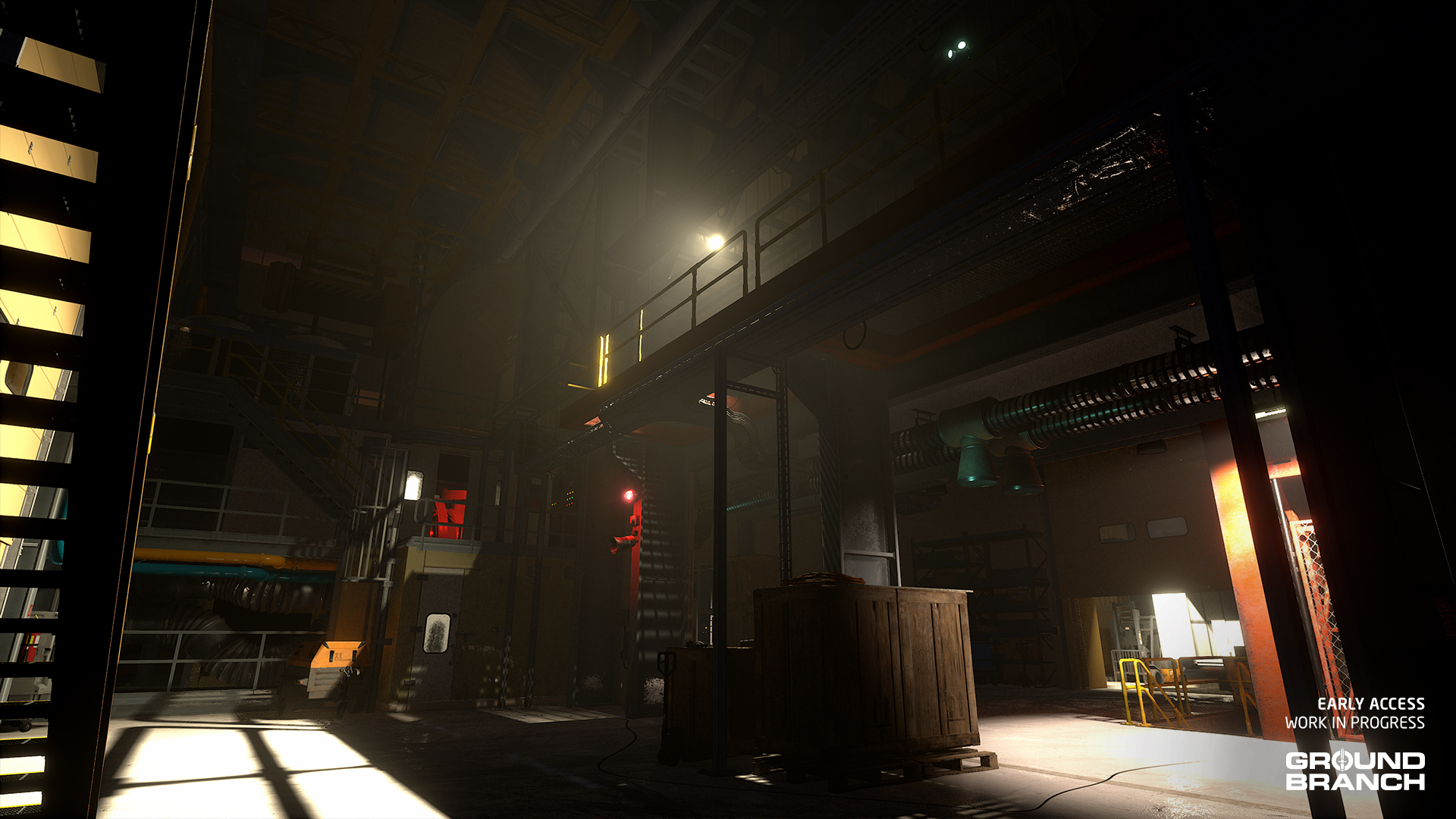
We mentioned in Intel Report #021 (August) that Will was working on a big overhaul of the old Power Station map, to be released in V1036. That is no longer the case, as we’re happy to report that the new and improved Power Station is actually coming earlier than that — in V1035.

This overhaul is arguably even more extensive than the latest Depot upgrade, as the map’s size has been expanded (especially in the open surrounding areas) and new buildings and routes were added, though the overall layout should still be recognizable to players familiar with the original map. Let’s take a look:

And without spoiling too much, that’s another map overhaul we can cross off the list, ladies and gentlemen. Hats off to Will!

đź’ˇ Alongside Ranch (also previewed in our August report) that's essentially two new maps in V1035.

A new mocap session for our new animation needs

Though Mike unfortunately didn’t have the time to process and render any previews, we thought you’d like to know that he recorded a new motion capture (mocap) session a few weeks ago in order to produce another batch of animations for both player and AI characters. They include (but are far from limited to) vaulting, mantling, investigating suspicious signatures, surprised reactions, fleeing and new stunned animations — which we’re hoping will all be in the update. Fingers crossed!

Mag check update

As you know, mag checks (when you hold the Reload key) in V1034 can be very frustrating if you decide it’s time to reload, as you’re now forced to wait until your character fully reinserts an empty or almost empty magazine before you can swap it out for a new one. That can waste a few precious seconds, which is no good when a split second can mean the difference between having a great gaming time and wanting to quietly put your headset down and walk away from the PC in barely contained rage.

Fortunately, in V1035 the mag check is finally being updated to allow a reload of your choice to immediately follow the inspection:

As the video shows, the magazine will be held out as long as the Reload key is pressed. From there, you can: (a) release Reload to reinsert the magazine, (b) press Reload to do a retention reload (keep the old magazine), or (c) double-tap Reload to do a non-retention reload (throw the old magazine away). (Or, you know, the other way around if you use double-tap for retention reloads.)

đź’ˇ The video also shows Mike's updated reloads for the AR-15-type weapons. They're cleaner and do without the mag flip.

This has been Intel Report #023!

That’s it for this month’s dev blog. We’ll be seeing you next month with more news and previews. Stay tuned!

Intel Report #022: Road to V1035 (September 2024)

Hey there!

We’re back with another Intel Report featuring another round of sneak peeks and details for our major upcoming release GROUND BRANCH V1035. This month, among other news, we’ll be taking a look at our initial work on full-fledged missions.

đź’ˇ If you haven't yet, make sure to check out last month's Intel Report #021 for more V1035 previews.
đź’ˇ Keep in mind this report is not an exhaustive list of V1035 features. For an overview of expected changes and additions, refer to our roadmap.

New Discord modding channels

If you’re a member of our official Discord server, you may have noticed that earlier today we opened up some new modding channels.

Now that the GROUND BRANCH Mod Kit has been officially released for a while, it seemed like a good time to unleash these new channels on unsuspecting modders. Prowlaz, our Community Manager, kindly put these together for you a while ago, and Bob/AT has helped put some words together for them.

Thank you, Prowlaz and Bob!

Operations: paving the way for full-fledged missions

Though GROUND BRANCH won’t have a traditional campaign with an overarching story, it was always meant to have “proper” missions featuring backstories, briefings, multiple objectives and, for single player, AI teammates.

Our unorthodox campaign format combines short sequences of story in the form of “hotspots”: areas of geopolitical interest in different parts of the world where missions will be carried out. Each hotspot in v1.0 may feature anywhere from one to a handful of missions — with room to expand over the game’s life — and our new project manager Travis has been spearheading the process to determine where in the world these hotspots are, and what the story behind them is going to be.

More complex missions require more complex logic than our current game modes have, and our hotspots need an interface to navigate them, which is why Fatmarrow and Scopey have taken on the task of bringing these ideas to life on the programming and UI fronts. As much as we adore the underlying code which supports this stuff, luckily (for you) we have a working preview of the UI to give you an idea of where we’re headed:

Does that mean V1035 will have missions?

Kind of! We’re working hard to get one such mission done for V1035. This mission, set in Eastern Ukraine (on map Depot), will serve as a sample or demo — or a vertical slice, if you’re into marketing — of what we ultimately want the core of the GROUND BRANCH experience to be.

Though it won’t feature all the elements that our full-fledged missions are expected to offer, the demo mission should be a much closer representation of our goal than the “quick mission” game modes currently available in Lone Wolf and co-op.

đź’ˇ If you're curious about what the demo mission will entail, take another closer look at the video as the mission background and objectives aren't expected to change much.
đź’ˇ An Oman hotspot isn't planned at this time; it was added for UI showcase purposes only.

We are hoping to support both single player (with AI teammates) and co-op for the demo mission, but everything is subject to change depending on how development goes.

Demo mission support

As hinted earlier, the sample mission has created demand in various areas in order to support and properly convey the objectives and background we’re proposing for it.

In addition to UI, another demand was making the village area of Depot appear “lived-in” in order to reflect the presence of stationed troops. Will has taken up that job, adding camping gear, communications equipment, vehicles and other details to the area:

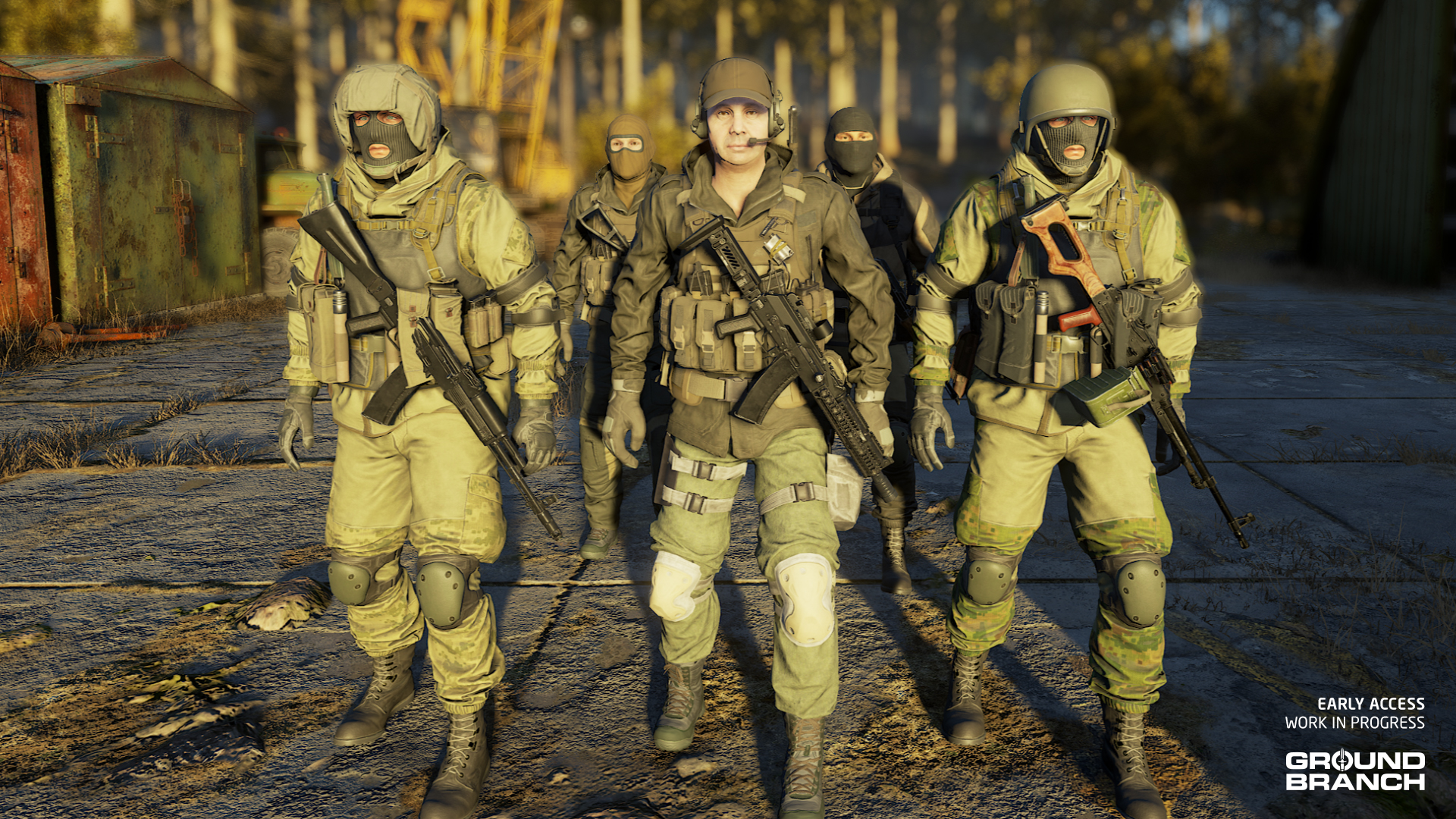
To add more flavor and variety, John has also reworked the Depot faction to better fit our concept of Russian PMC. If you’re as sick of that one guy in light tan and black as we are, you’ll probably appreciate the change:

The demo mission will also require planting explosives and being able to scout a location, both of which aren’t fully defined in terms of mechanics but are already under development. For the explosives, we’re currently going with the M4 SLAM:

Setting up the M4 SLAM to work in-game is no small task: in addition to the model, it requires animations, particle effects, gameplay abilities and other work that is all underway.

Game dev is a G.A.S.

We’ve shown you the shiny topside and now it’s time to take a little look under the hood at some of the upcoming changes in V1035.

Historically, we had painted ourselves into a bit of a corner with some of our animation and game systems, as complexity was gradually layered on top of complexity. The result was that it was getting harder and harder to introduce new systems (*leers at prone*) and to make existing ones work together more seamlessly.

Therefore, with no small amount of trepidation, we shook up a ton of underlying systems and put them back together again with the new Gameplay Ability System (GAS).

đź’ˇ If you're interested in the technical details, click here for more details on the Unreal Engine GAS implementation from Epic.

It is a bit of a conceptual reworking of the game logic into self-contained gameplay abilities rather than having custom logic scattered throughout the code base. It means that once everything is set up, a single player action may, for example, fire off a single gameplay ability, and then it just… takes care of itself. In practical terms, once we get over the initial bump of the internal reorganization, we should be able to put into the game the remainder of the planned gameplay systems without the huge headache we would’ve had if we had needed to integrate all the new stuff into the old code base. There also seem to be some performance improvements, which is nice.

If you’re not an Unreal Engine nerd like us, let’s put this another way: this change should be the last big hurdle before we drive our GROUND BRANCH car at irresponsible speeds towards v1.0.

AI

AI continues to be developed, though the implementation of GAS has delayed our ability to showcase it. Still, Chris has managed to capture a quick video of one of the new AI abilities: detecting not just the source of flashlights, but their projected light as well. Take a look:

This change should make it particularly important to maintain light discipline, so be extra sure you’ve packed your night vision goggles and AN/PEQ-15 for those night ops.

đź’ˇ The same ability will be applied to lasers.

Audio

Zack has been working on a lot of stuff: the ambient audio (or soundscape) for new map Ranch, sound effects for the G36K Custom, AUG A3, MK24 and other weapons, and of course the voice lines for 2 of the OPFOR factions: the Mexican Cartel and the Russian PMC mentioned earlier. Here’s a sample of the voices — courtesy of Zack and the very talented voice actors we had the pleasure of working with:

Along with the new AI animations (previewed in our last Intel Report) and the new enemy character assets shown earlier, we’re hoping to breathe a little more life into our enemy AI soon.

Zack is also improving spatial audio by setting up a system where large objects will now block, diffract and occlude sounds. So, for instance, a large container will now act similarly to a wall when it comes to sound — so a character behind it will no longer simply sound like they’re just a few steps away from you with nothing in between. The video below has a little demo of the Ranch soundscape, as well as a little before/after of the spatial audio change to give you a better idea:

Masking out the night vision

One of the most common bug reports we get is that infrared signature — that is, IR lasers and illuminators — doesn’t show up through the AN/PVS-22 UNS clip-on night vision scope, which probably seems like a trivial issue to fix when you consider that it works as expected when looking through any of the night vision goggles in the game.

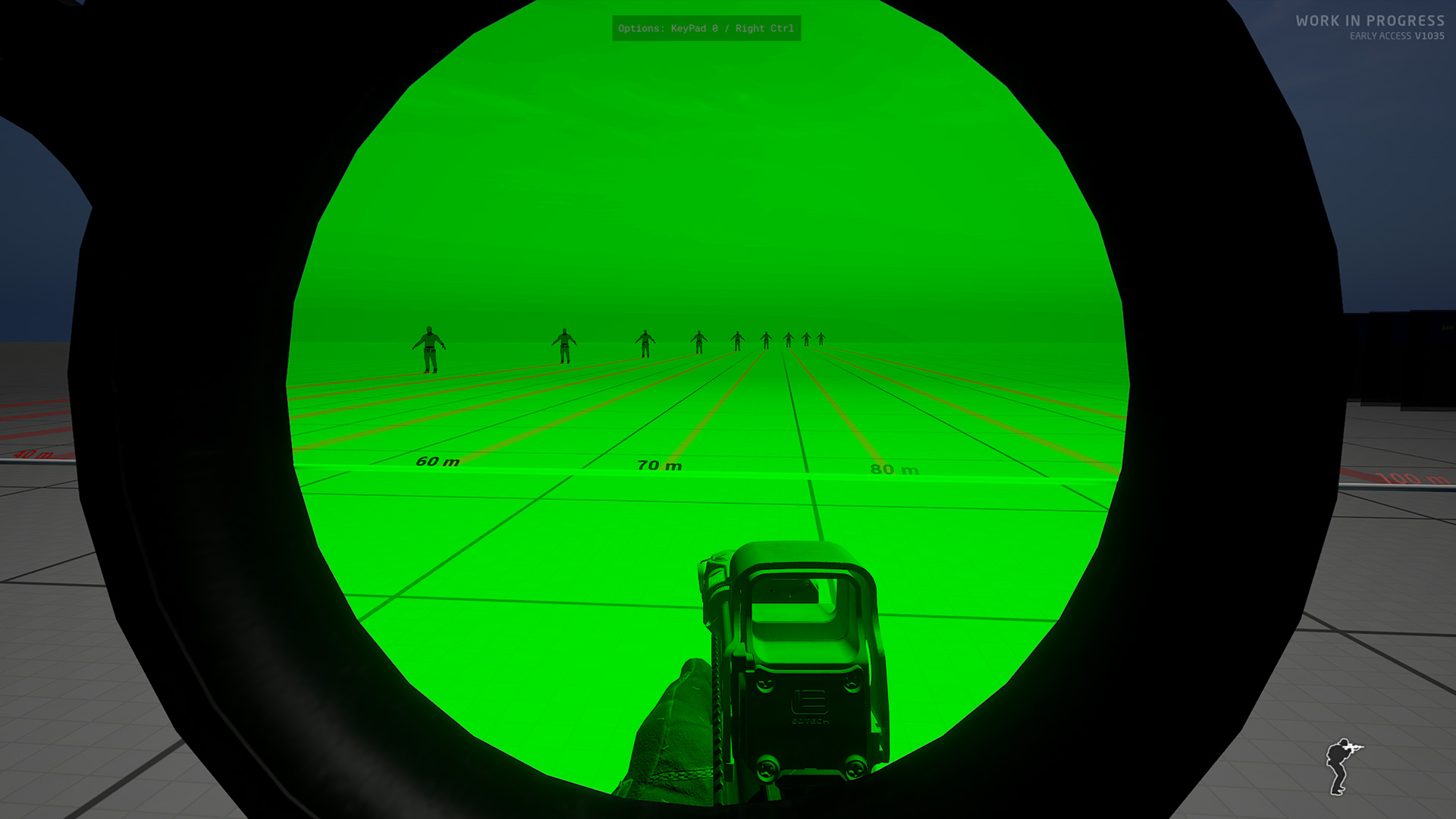
The issue is that the NVG is a full-screen post-process effect, whereas the AN/PVS-22 UNS uses a different, more basic effect compatible with the picture-in-picture (PiP) method that the scopes in GROUND BRANCH use. It’s easy enough to tell the full-screen post-process effect to show IR signature, but not feasible to do so for the basic PiP effect. That leaves us with just one option: “masking out” the full-screen NVG post-process effect to only show up in a designated area of the world, in our case the lens of the PVS-22.

Because it’s a relatively harmless bug with a fairly large amount of work required to fix it, we let it sit for a while longer than we would’ve liked. But for V1035, we put some time aside to finally work it out. Here’s a quick and dirty capture straight from the editor just to illustrate the method:

Visuals are all pending, so don’t worry about how flat it looks — it’s just a prototype!

If you’re wondering why we’re illustrating with the NVG rather than the PVS-22, that is because the same method can be used to restrict the NVG effect only to the portion of the screen corresponding to the NVG’s tubes — leaving the surroundings clear for you to see with normal vision, instead of covered in black. Pretty cool, right?

This has been Intel Report #022!

We appreciate you taking the time to read our little dev blog. Got any questions or suggestions? Leave them in the comments and get the discussion going.

As always, thank you for your continued patience and support as we chisel away at your favorite tactical shooter. See you next time!

Intel Report #021: Road to V1035 (August 2024)

Folks,

It’s been a busy year, but our Intel Reports are finally back for the big V1035 update cycle. Like last time, we’ll try to publish these reports monthly until community testing begins so you get an idea of how development is going, as well as a little taste of what’s to come.

đź’ˇ Keep in mind this report is not an exhaustive list of V1035 features. For an overview of expected changes and additions, refer to our roadmap.

Quick disclaimer before we get to it:

MicroProse Publisher Sale: Save 30% on GROUND BRANCH on Steam

Our publisher MicroProse is running a sale on Steam including all of its games — among which, of course, is GROUND BRANCH. This discount matches our Summer Sale offer, so if you missed that one, here’s your second chance!

The publisher sale runs until September 2nd.

🕹️ If you're a fan of simulators and real-time strategy — including classic 1990s gems — it's worth checking out MicroProse's Steam catalog for all the discounted titles. They have other genres too!

Miscellanews

Welcome, Travis!

Travis Rose, who you might know from our community moderation team as consecrated2718, has been working with us for a while in a Quality Assurance (QA) role, helping us keep the bug database in order and organizing testing sessions. He has since taken on more responsibilities within BlackFoot Studios, assisting the team in managing tasks, keeping the roadmap updated, and helping define the scope and scheduling of releases.

We are happy to announce Travis is now officially a Project Manager for GROUND BRANCH, which should no doubt be a relaxing and straightforward job. Welcome aboard, Travis!

Thank you, Callum!

In case you missed our last Build Update (for Patch V1034.5): Callum Coombes, one of our programmers, has moved on from GROUND BRANCH to pursue development of his own games full-time. We were lucky to have him as long as we did, as Callum has taken the GROUND BRANCH Mod Kit from a concept to a finished product, unphased by the near-total absence of documentation and official support from Epic Games.

Callum, we salute you! Good luck in your future projects.

🕹️ Are you into VR games? Then be sure to check out Callum's game Space Docker VR!

Speaking of Mod Kit

As explained earlier this month in Build Update #052, the official Mod Kit, though ready to release — at least as far as we were concerned — has found some snags in Epic’s approval process. The application had to be rebuilt in a different interface, and from that point on Epic engineers became more involved in assessing further requirements.

Long story short: we’re still working on checking all the boxes to get the approval for publishing, which should hopefully happen in the next few weeks. Fingers crossed!

đź’ˇ For more information on the current state of modding (including the Modding Wiki and several weapon mods you can download right now), see Build Update #052.

V1035 news

And now for what you’re really here for: V1035 previews.

Round Ranch

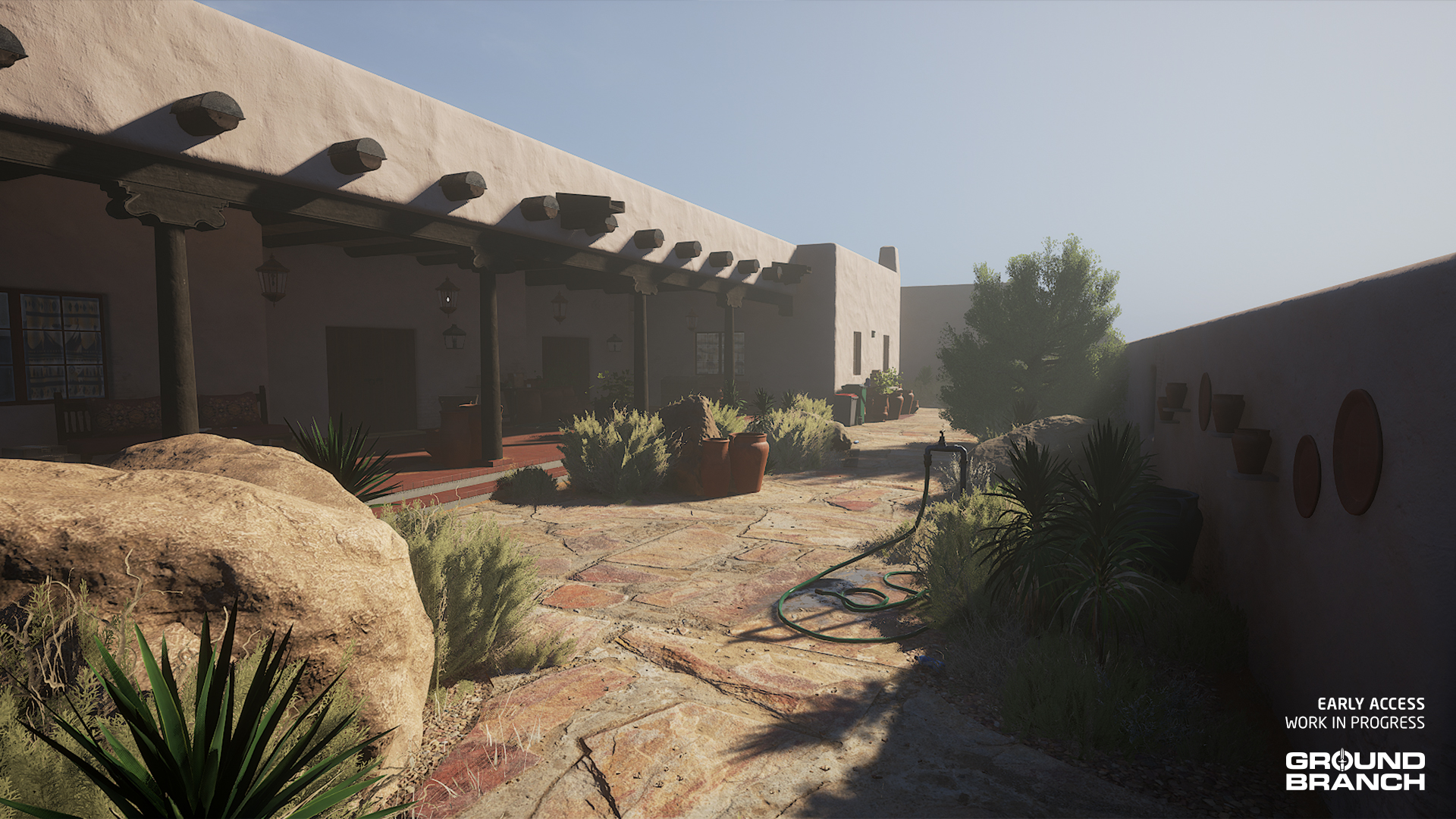
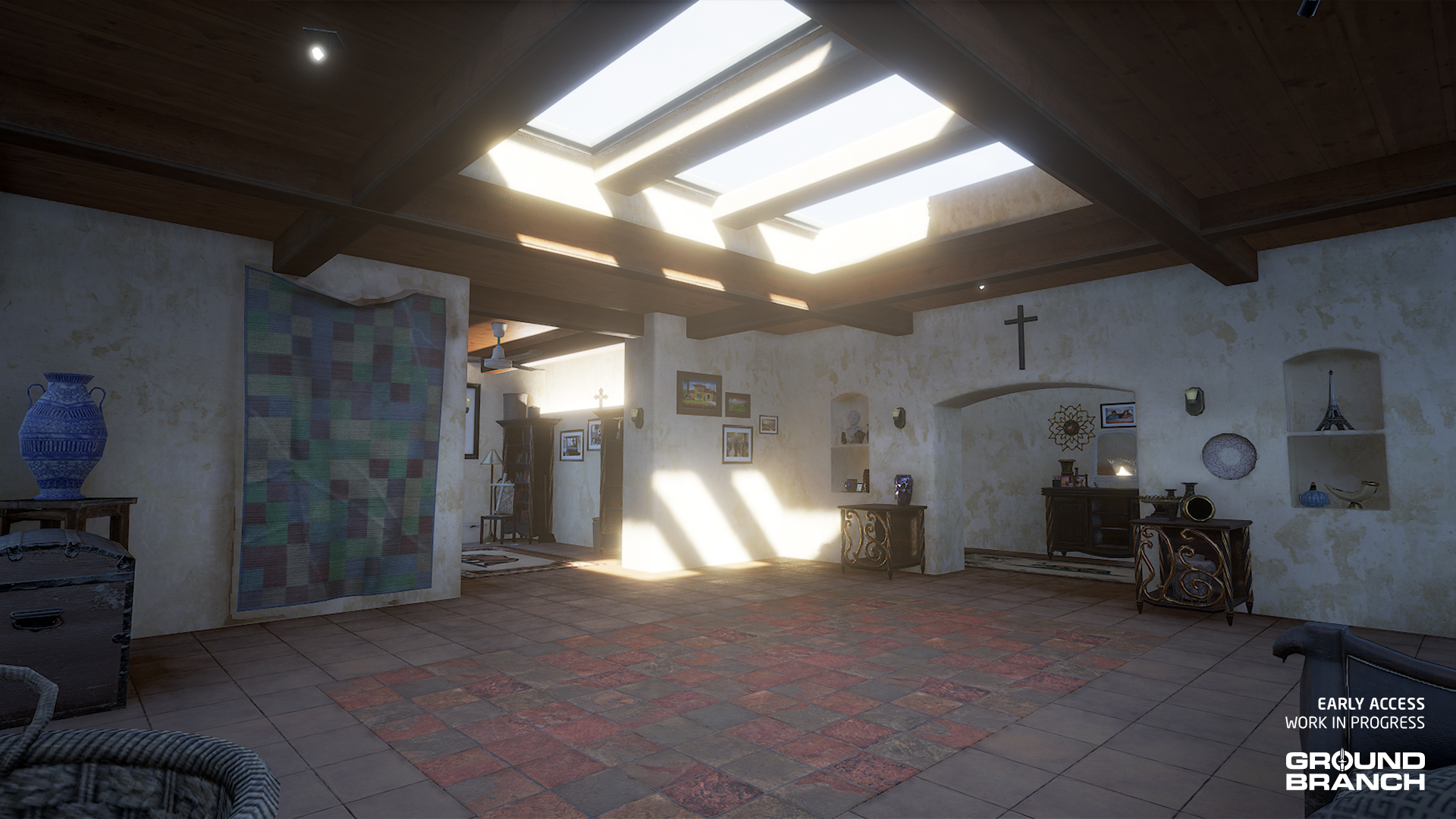
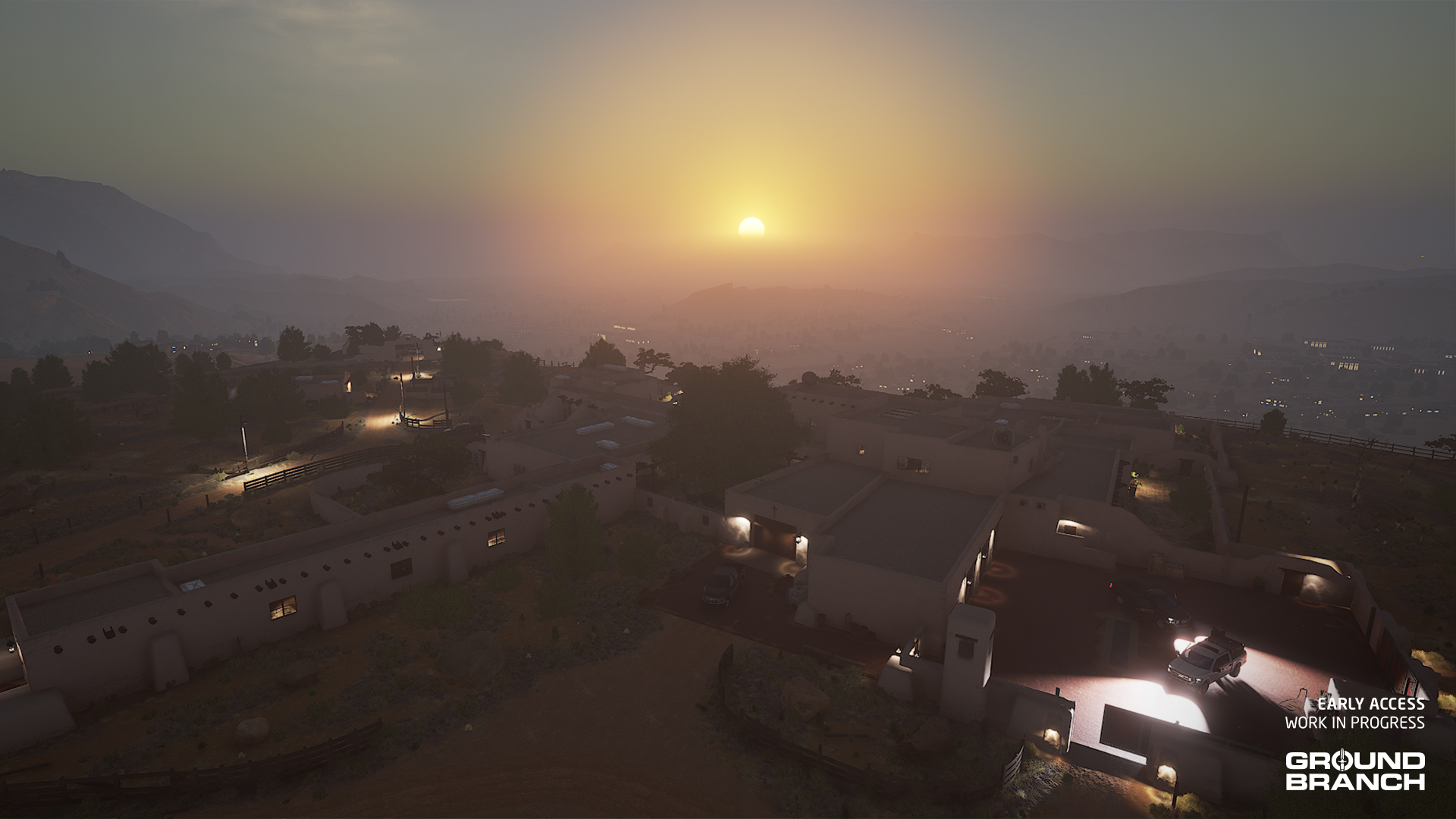
The Ranch map, first mentioned about a year ago, is one of the earliest pieces in V1035, having been taken on by environmental artists Elliot and Will. Though their part of the job — the art — has been done for a while, maps require a good amount of setup work from other members of the team whose plates were full with V1034 and subsequent patches. And while the setup is still underway, we’re happy to be able to give you a sneak peek — without spoiling too much:

As some of you have guessed, Ranch is set somewhere near the Mexico–US border and will have players go up against members of a drug cartel.

đź’ˇ Elliot has since moved on to an exciting new map (provisionally called "Checkpoint"), while Will has been busy with a massive overhaul of Power Station. Both maps will launch in V1036, expected to release sometime next year.

New character assets

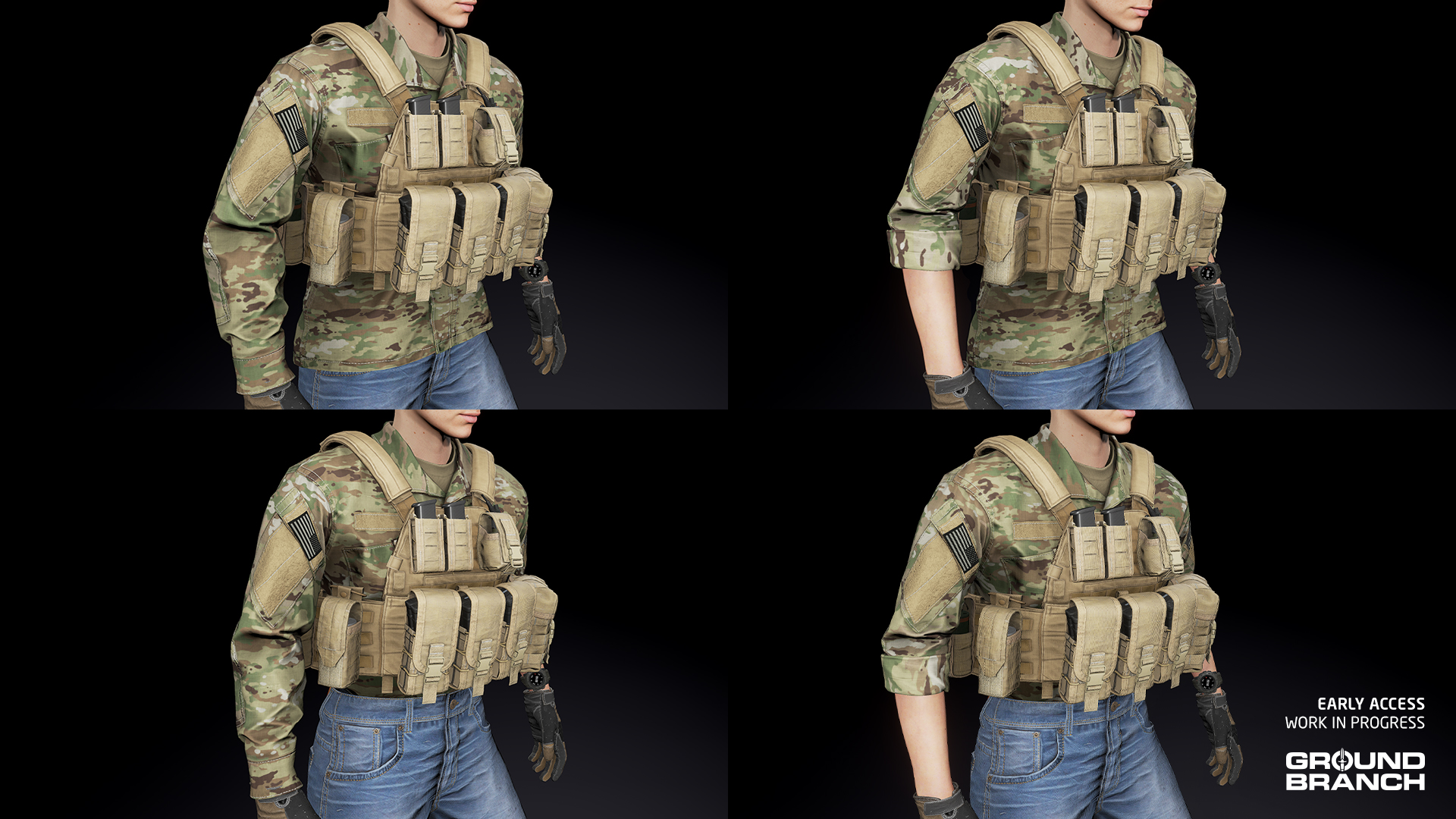
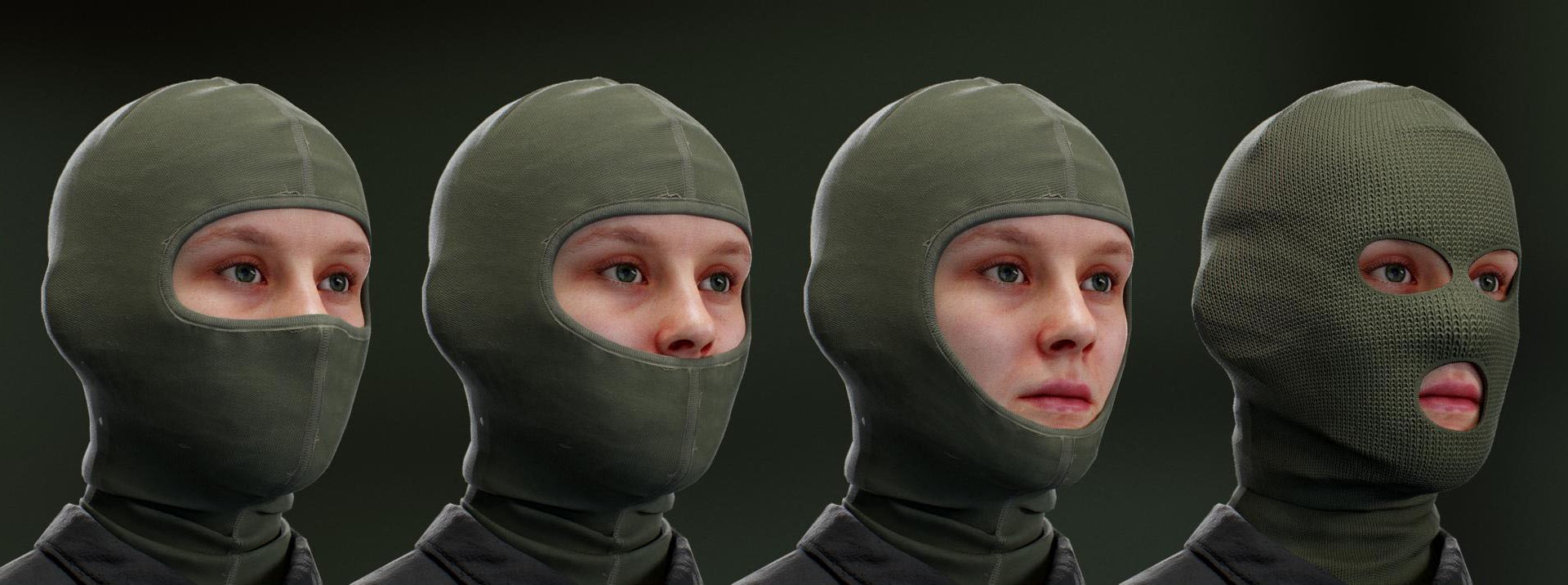
GROUND BRANCH V1035 will be bringing a handful of new character assets to the inventory, including a new and updated field jacket, a softshell jacket, and four new balaclava styles. Let’s take a look.

New Field Jacket: remaking the ACU Coat

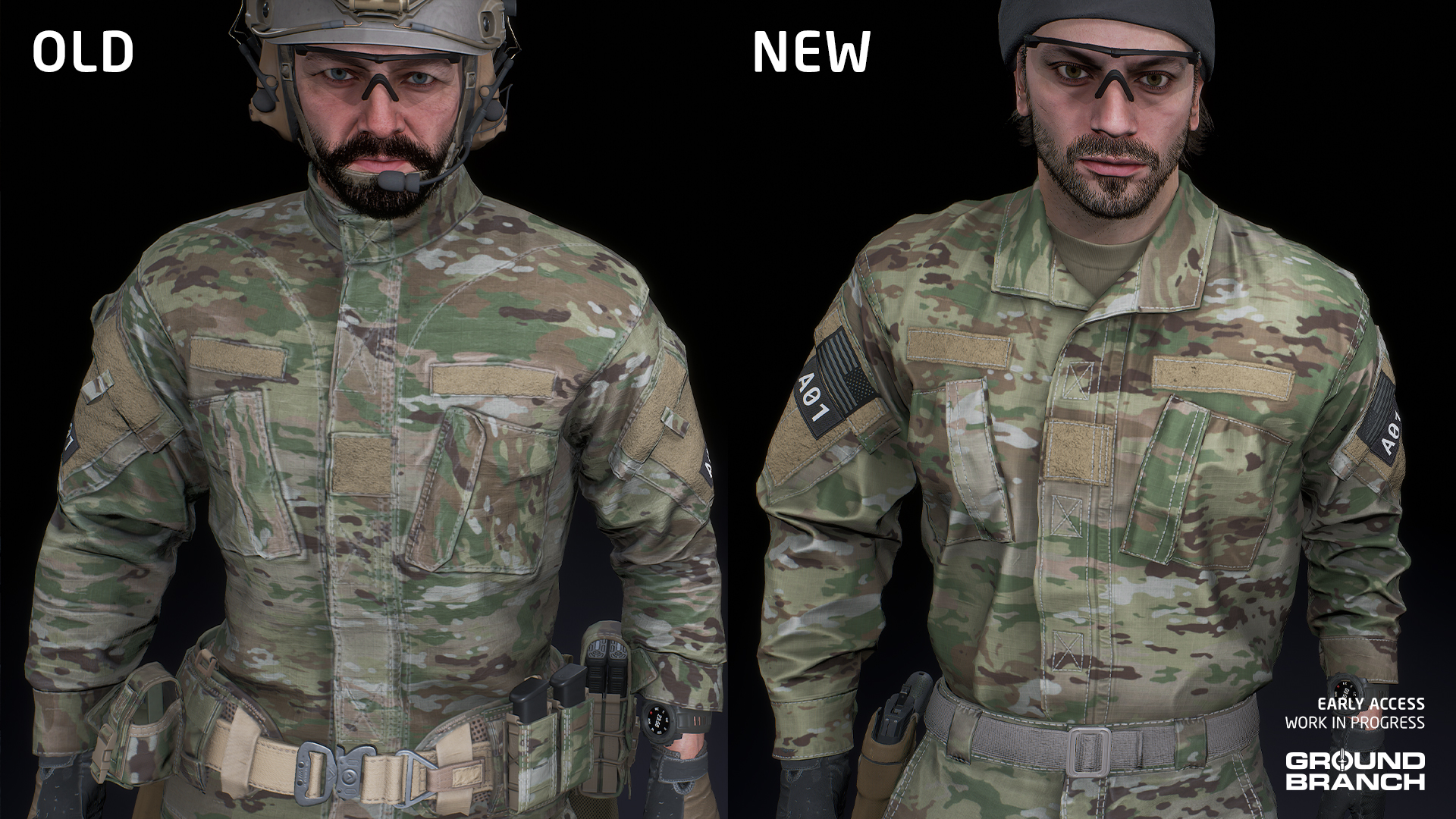
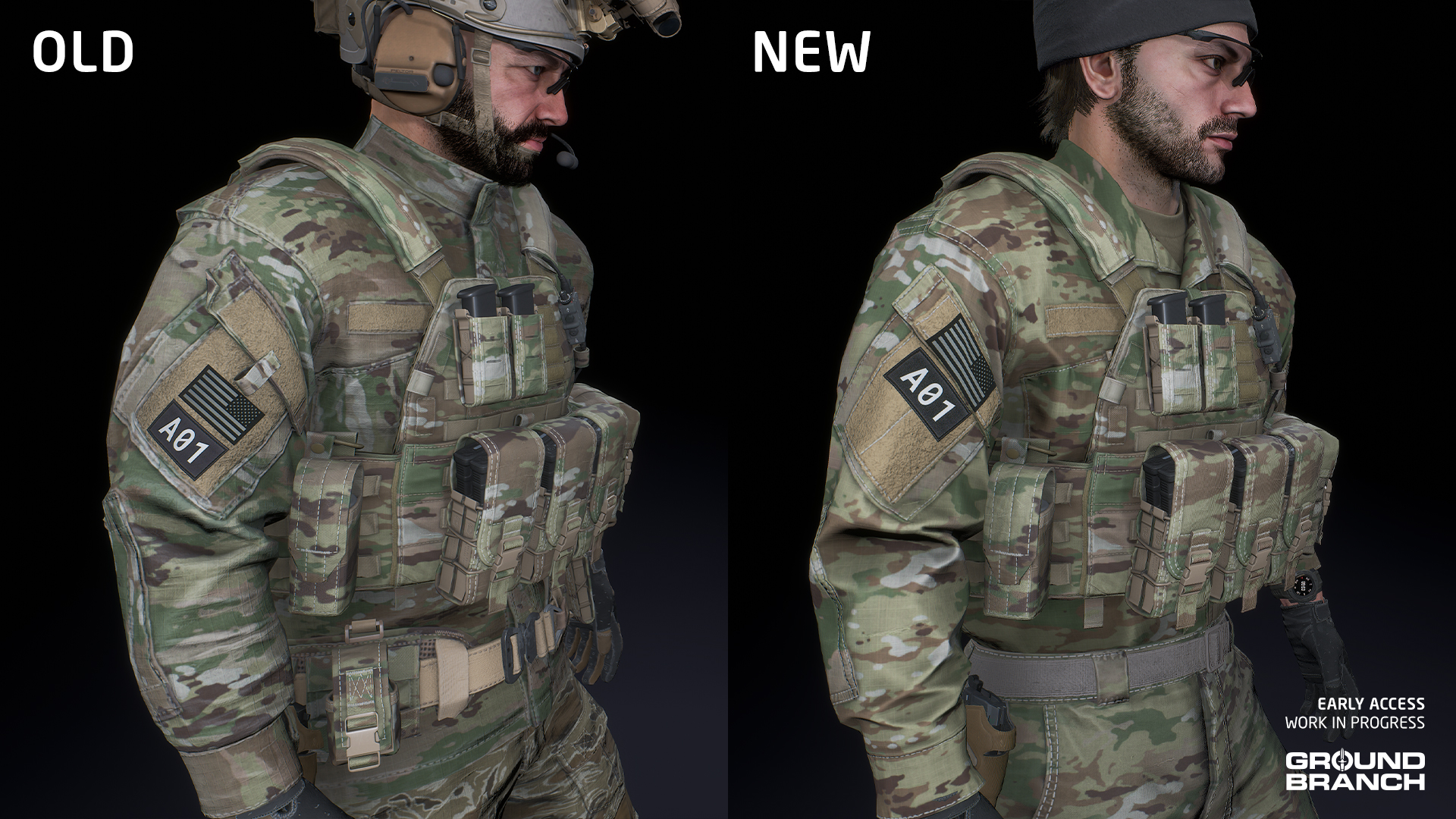
Our original ACU Coat was never a very popular item, having been modeled with its mandarin collar up and closed — a wearing style that is challenging to find in any reference photo from real-life deployments. The style frustrated some players looking for authenticity and those looking for a more BDU-style field shirt or jacket, which are almost exclusively worn with the collar folded down.

With that issue in mind (coupled with a few others we’ll detail in a bit), we decided to order an updated model from our trusty freelance artist Pau Peñalver. Here’s a comparison:

Another issue with the old model was that each variant — regular and rolled-sleeves — used its own texture set, which is sub-optimal in terms of performance as well as maintenance (for instance, when we want to tweak skins and materials on our end it’s twice as much work).

Lastly, the shoulder pockets had little pull tabs that prevented velcro patches from being applied to the appropriate area: the pocket’s flap. Due to the patches using a decal system, any patch applied will conform (and deform) according to the underlying geometry, meaning they need to be applied to more-or-less flat surfaces — which the pull tab did not allow. To illustrate:

While we were at it, we also asked Pau to include tucked-in variants. Here are all the versions we ended up with:

In order to reflect other clothing items using more generic names, the updated ACU Coat is being renamed Field Jacket. It will be available in the same colors and patterns as the old model.

đź’ˇ As a bonus, we've also set it up to use a system that more accurately simulates the seams of the garment by interrupting and/or changing the direction of camo patterns.
Softshell Jacket

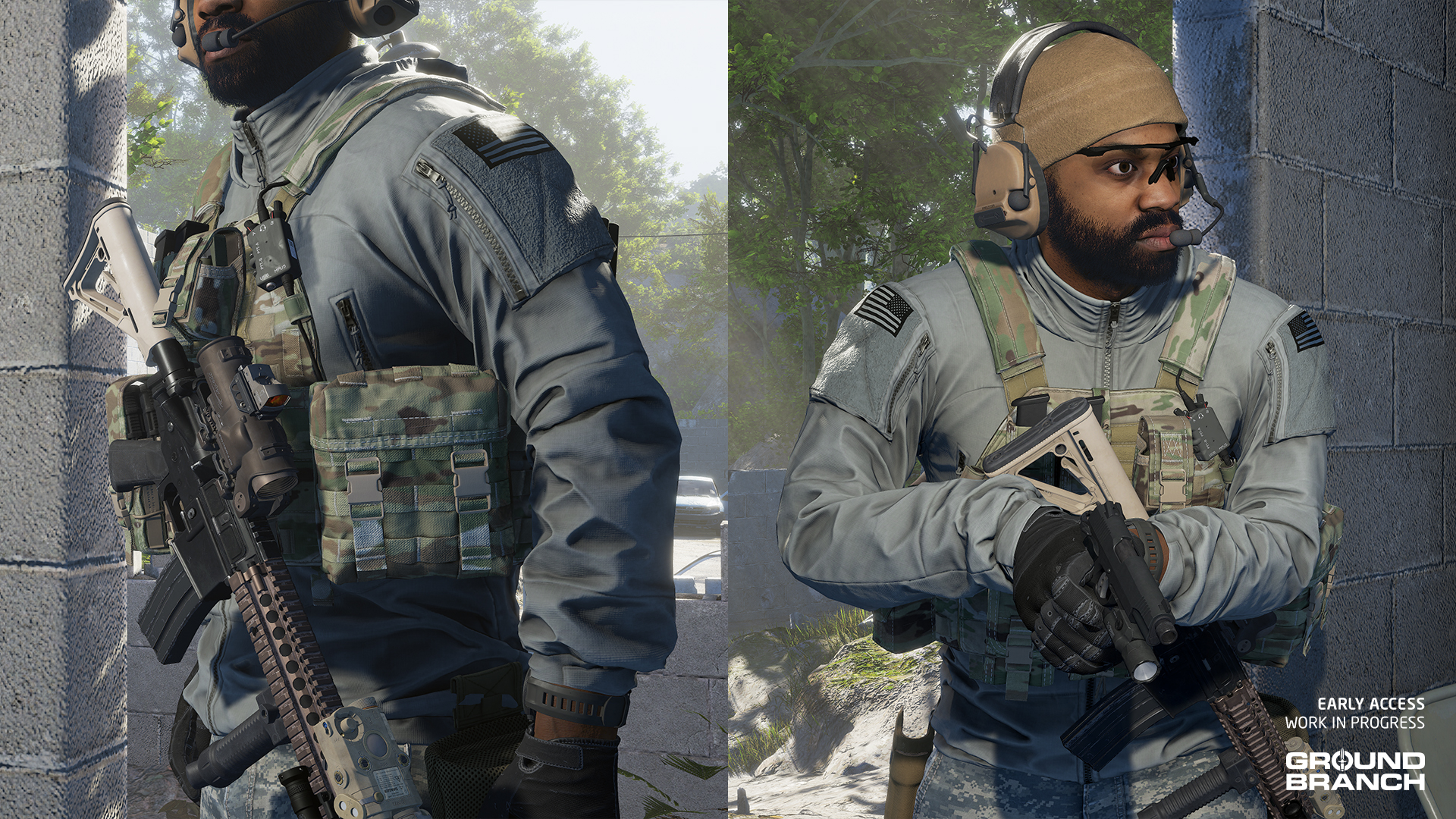
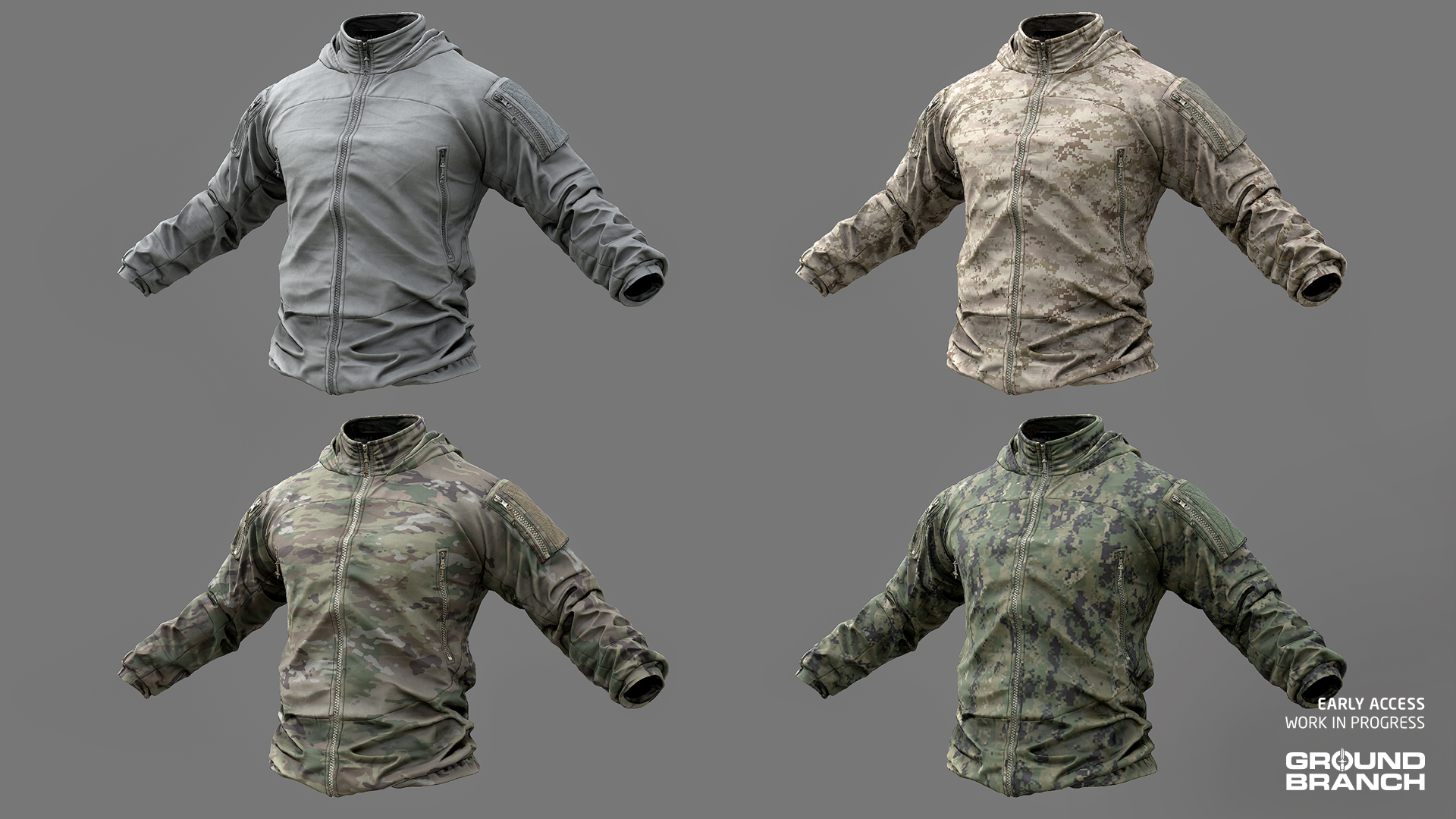
Another asset we ordered from Pau is the Softshell Jacket, based on the second generation (aka Block I) of the “Level 5” softshell jacket that is part of the seven-layer Protective Combat Uniform (PCU) system. A breathable, stretchable, water-repellant and windproof garment, the Level 5 jacket is the most widely used and versatile PCU item.

The Softshell Jacket is coming in two versions: a regular one with the hood retracted into the collar, and another one with the hood out. It also features velcro on the shoulder pockets for patches, as well as four different skins: Gray, OCP, AOR-1 and AOR-2.

New balaclava styles

The new balaclavas created by Pau last year are also confirmed for V1035. Though we do not yet have them fully set up to mask out the correct areas of the head for each style, the four variants below will be available in the same colors as the old V1034 balaclava model:

New weapons

V1035 will feature a varied host of new weapons, from bullpup to specialized suppressed rifles. If you’re among those who find GROUND BRANCH’s arsenal too focused on AR-15 and AK platforms, V1035 should mitigate that a little. Here’s what is being added:

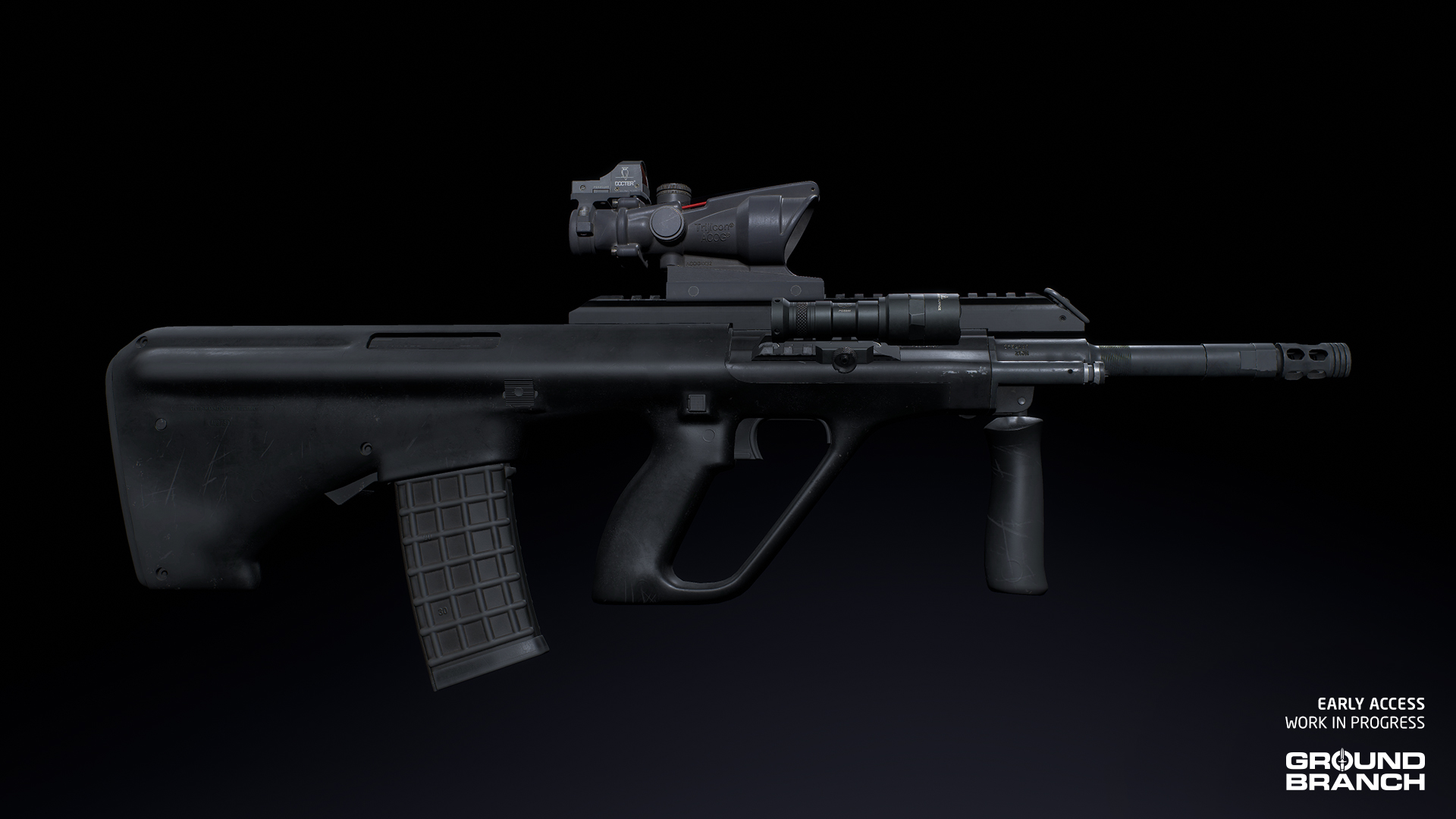
AUG A3

The AUG A3 is a bullpup assault rifle chambered in 5.56 mm NATO. It is a modernized variant of the AUG featuring a top Picatinny rail (instead of the built-in optical sight), as well as a small accessory rail mounted at a 45-degree angle on the right-hand side.

Mike has a few AUG reload animation previews right here.

đź’ˇ The AUG A1 is likely to be added in a later update.
đź’ˇ The AUG will also serve as a template to facilitate the modding of other bullpup weapons into GROUND BRANCH.
G36K Custom

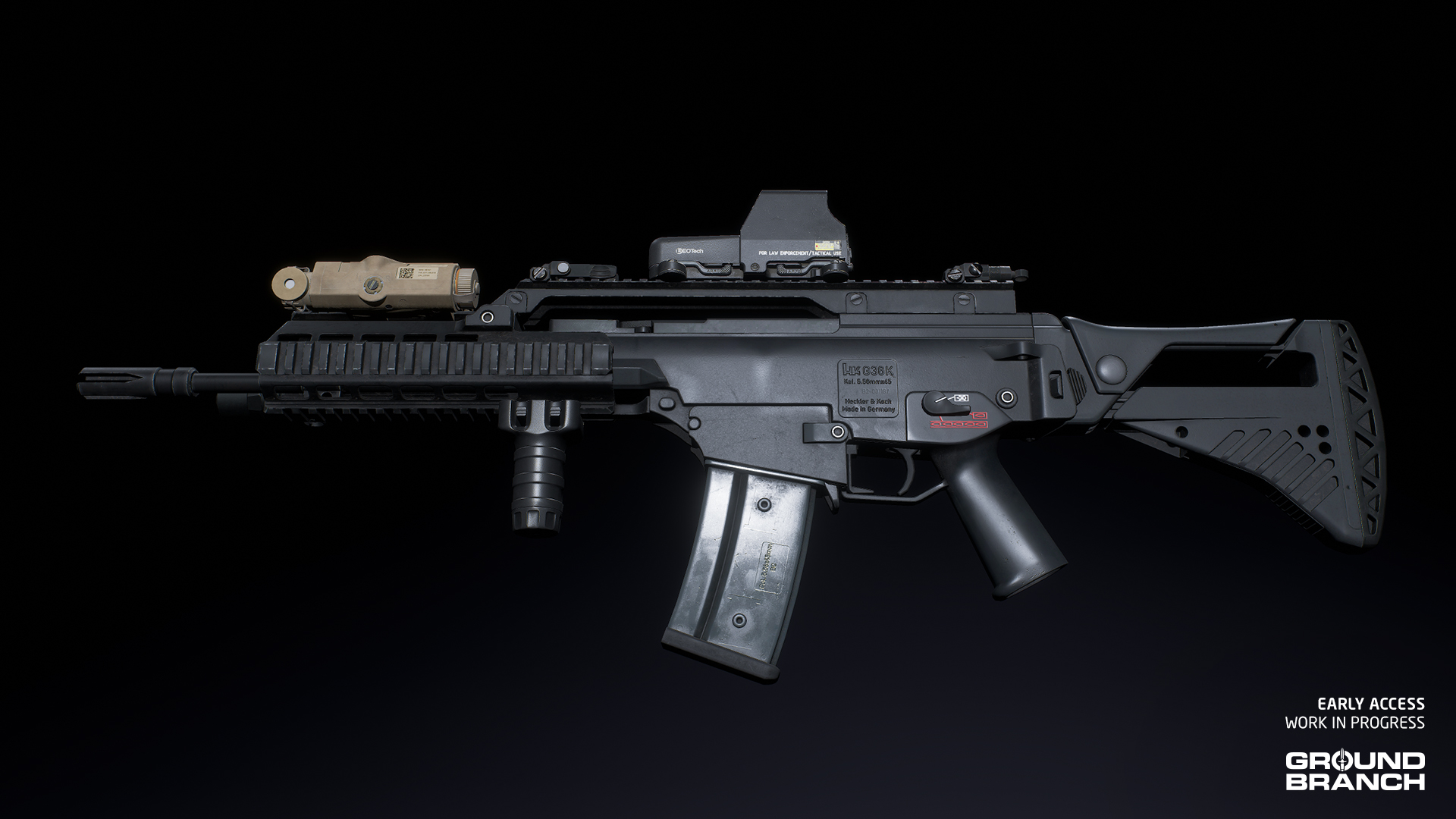
Our first G36K will be a custom model featuring aftermarket parts including a low-profile top rail, a quad-rail handguard, and an adjustable stock.

For a preview of G36K reload animations straight from Mike, click here.

đź’ˇ A "factory" variant of the G36K (with the classic carry handle + optics combo) will be added in a future update.
LVAW

The LVAW (Low Visibility Assault Weapon) is a specialist variant of the MCX series of rifles adopted by JSOC (Joint Special Operations Command). It was developed as a rifle-caliber substitute for the MP5SD submachine gun, with superior ergonomics, range, accuracy and lethality while being just as quiet.

For that goal, the LVAW features a large thread-on suppressor (meant to be always on) and fires a subsonic load of .300 AAC Blackout (.300 BLK), an intermediate cartridge with the same overall dimensions as 5.56 mm NATO — meaning it can use the same magazines.

The LVAW model was created by the amazing Bakr Asaad, who has also modeled our custom M1911 and a number of other assets

Reload previews right here.

AK-103 Alpha

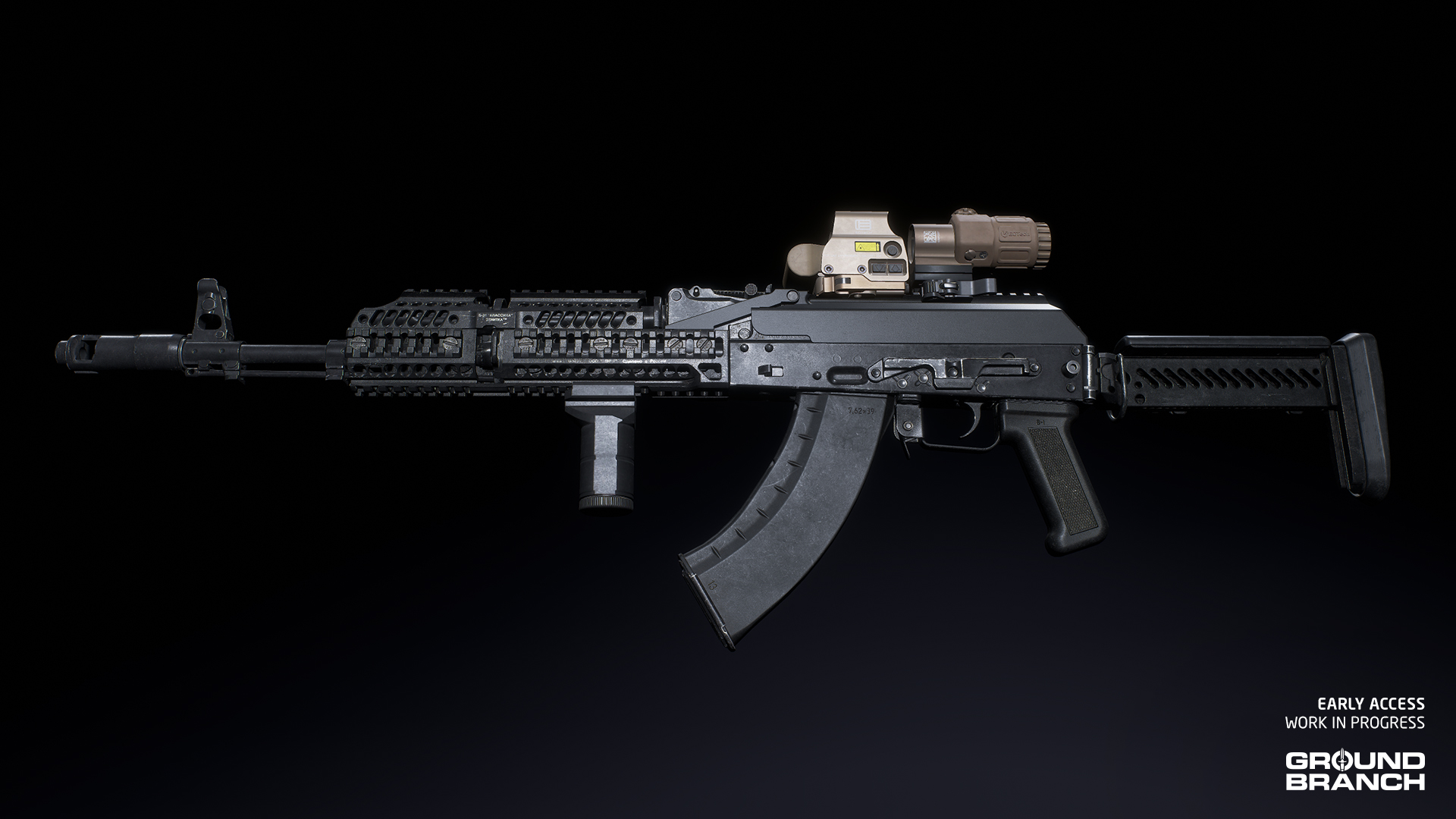
Many of you have requested a modernized AK in 7.62Ă—39 mm, and the AK-103 with Zenitco furniture will be arriving in V1035 to deliver it. Think of it as a tacticool AKM.

MK24 CAP

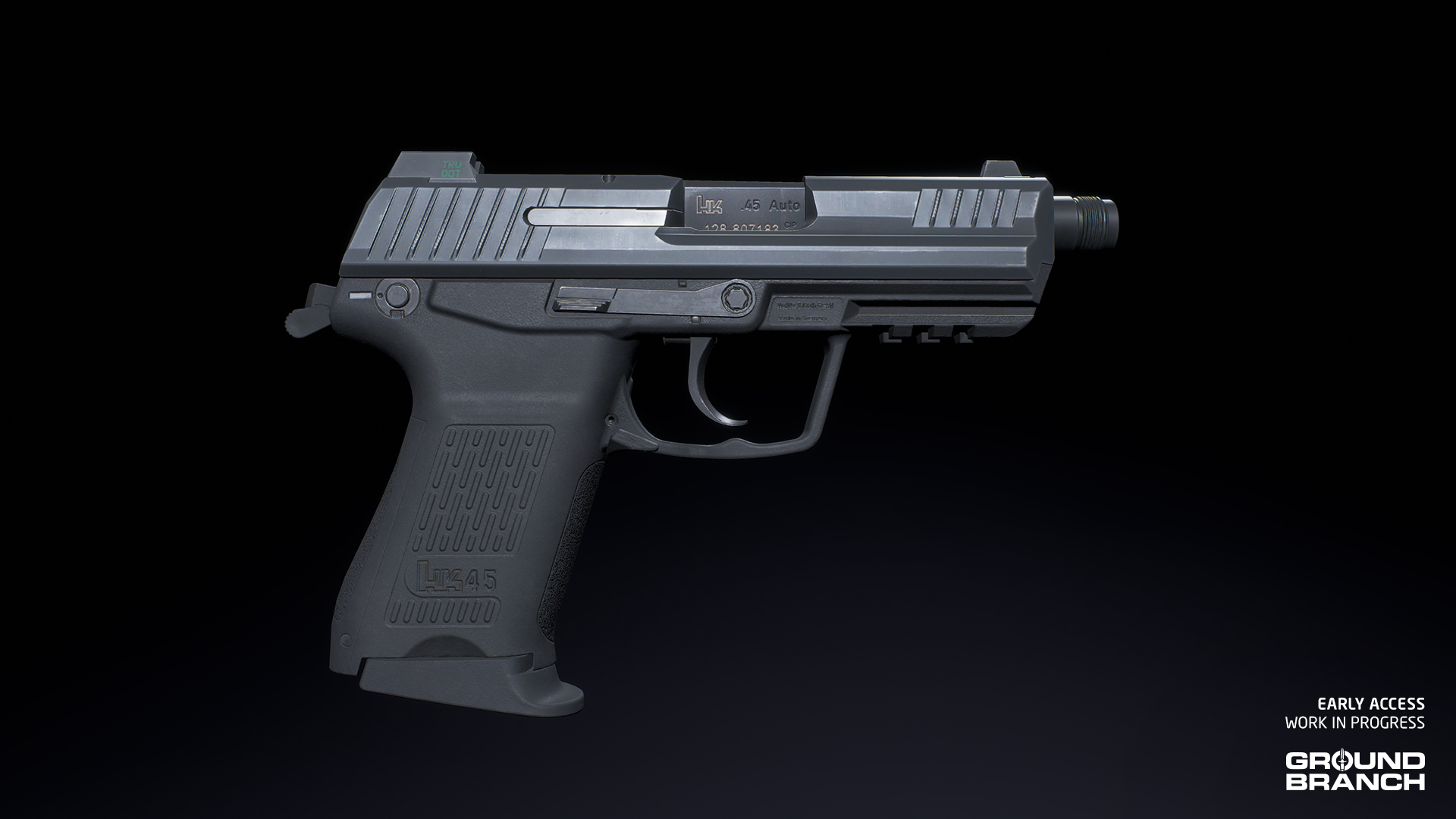
The MK24 CAP (Combat Assault Pistol) is a variant of the HK45CT compact pistol adopted by the US Navy. It fires .45 ACP rounds from a 10- or 12-round magazine.

Our MK24 was created by the very talented Cody Cudmore, whose models can be found throughout GROUND BRANCH’s arsenal

Like most pistols in GROUND BRANCH, the MK24 features an under-barrel accessory rail and a threaded barrel for suppressors.

AI

We’re working on all relevant fronts to deliver a considerable upgrade to how AI looks, sounds and fights in V1035. While much of V1034 was spent porting the existing AI logic over to the new Kythera AI system — leaving little room for big changes — V1035 will begin more noticeably expanding and improving the feel of our AI.

And since no decent AI lives on code and logic alone, animator Mike and sound designer Zack are joining Chris’ efforts to add much-needed life to our bots, with a first pass on more natural poses and movements, as well as entirely new voice lines.

Animations

AI that moves robotically will feel robotic no matter how human-like it might be under the hood. Which is why we’re starting to add AI-specific animations in V1035: to better convey the different AI states, as well as visually set OPFOR factions apart from players. This will be an ongoing process, but Mike has already rendered a handful of WIP examples for us to check out:

Voice lines

As detailed in Intel Report #019, last year we recorded 18 voice actors in four different languages: US English, Russian, Spanish Mexican and Modern Standard Arabic (MSA).

Zack has processed and mixed all of the Russian and Spanish Mexican lines, meaning we should have enough material to start shaping up both the Russian PMC and Mexican cartel factions. We’ll be sharing a preview in next month’s Intel Report.

Behaviors

The AI in V1035 isn’t getting updated on the outside only; existing behaviors are to be improved, and new behaviors added. Things like grenade-throwing (which didn’t make V1034), better self-preservation (including fleeing from grenades), being blinded/stunned by flashlights, and spotting not just the source of player lights but also the projected lights themselves… are all currently planned for the big release. Go Chris!


This has been Intel Report #021!

Thank you for taking the time to read our little dev blog. Any comments, questions or suggestions? Leave them below and get the discussion going.

As always: thank you for your support, and we’ll see you next time!